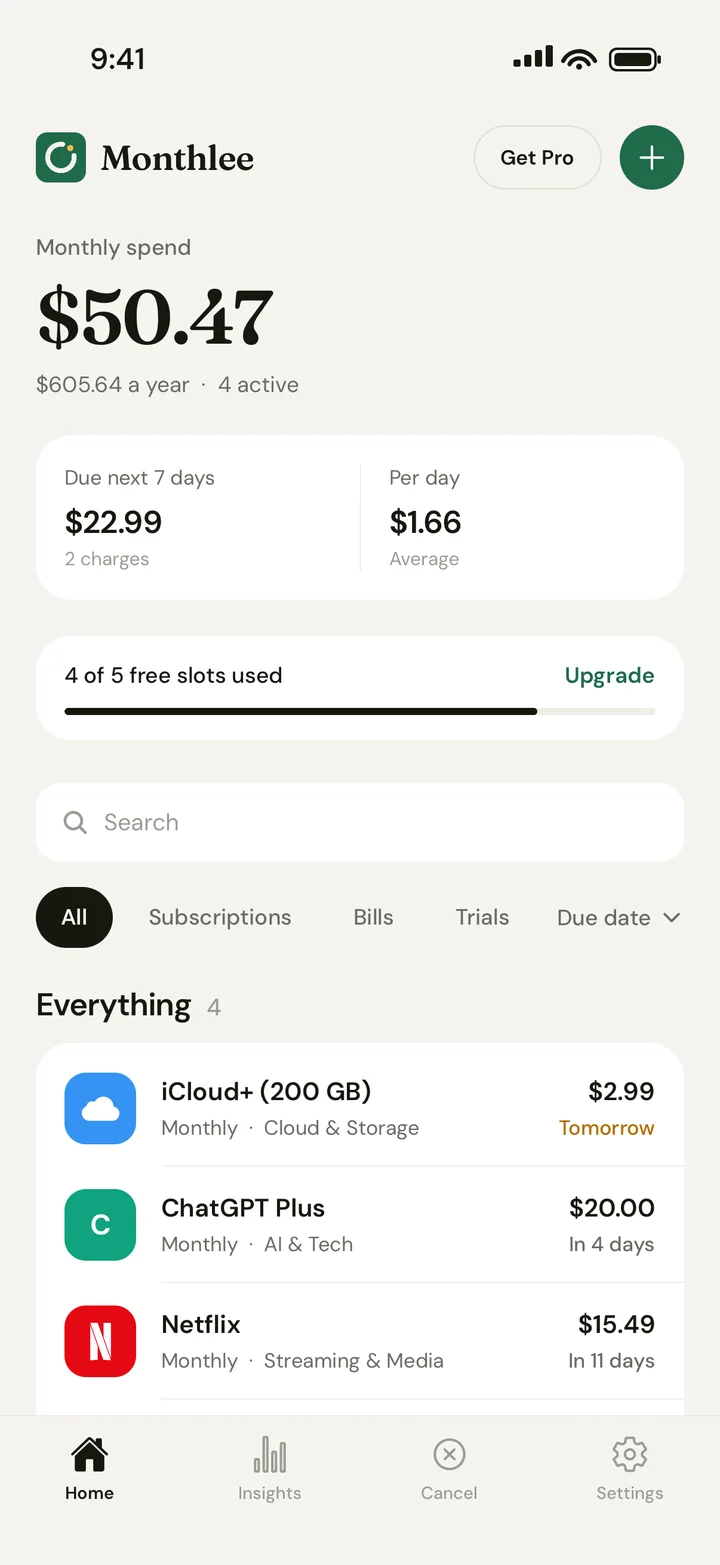
Free on iPhone No bank login Reminders before every charge

Know every charge before it lands.

Monthlee keeps your subscriptions, bills and free trials in one calm list, and taps you on the shoulder before you’re charged.

Monthlee keeps Netflix, Spotify, Claude and every other subscription, bill and trial in one list, warns you before each charge, and shows you where the money goes.

NetflixSpotifyCChatGPT PlusClaude ProYouTube PremiumiCloud+GitHub CopilotNotionDuolingoDropboxStravaHBO Max
Watch

Meet the suspects on your bill.

Thirty seconds on the charges you forgot about, and how Monthlee gets you ahead of them. Turn the sound on.

How it works

Add it, get reminded,
keep only what you use.

Add it

Popular services, one tap.

Logo, price and billing cycle are filled in for you.
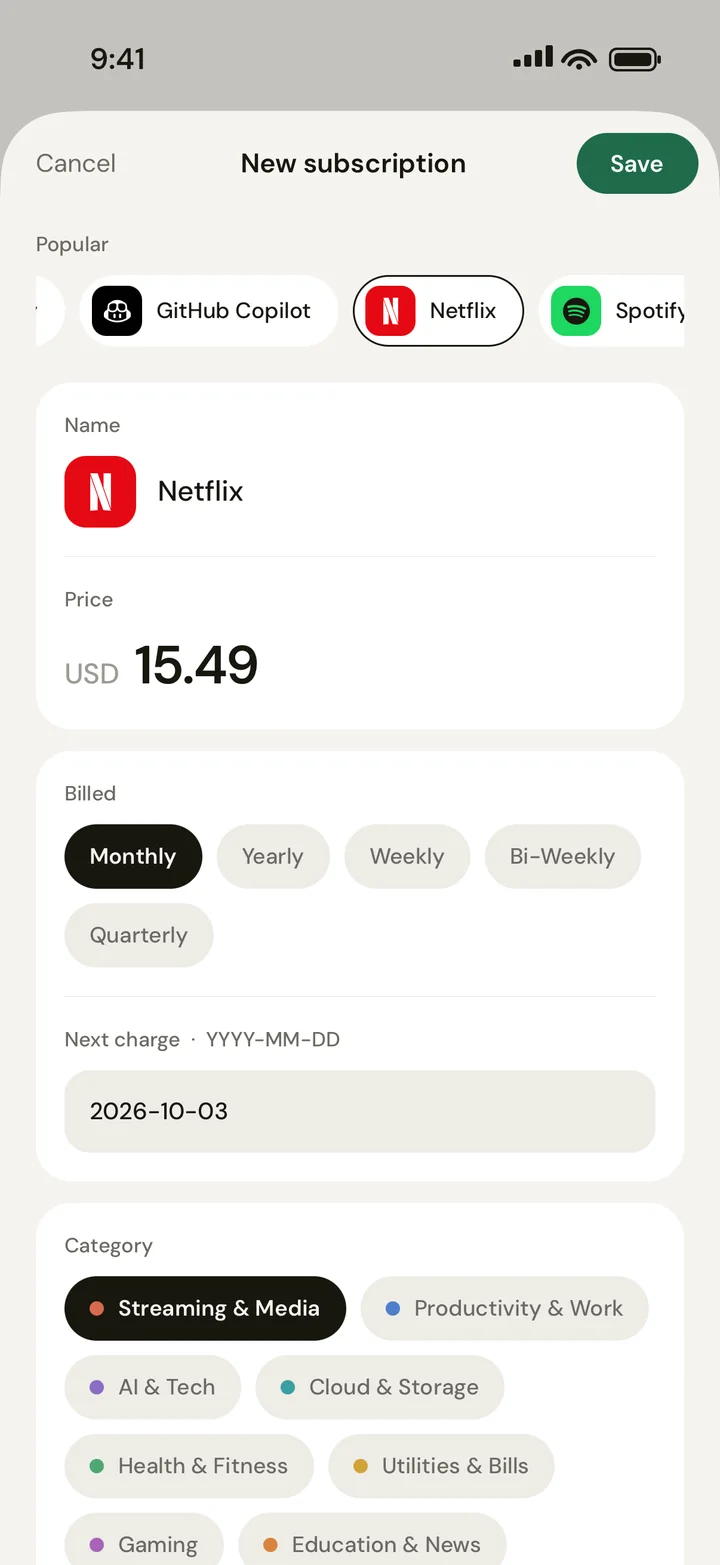
Adding Netflix in Monthlee
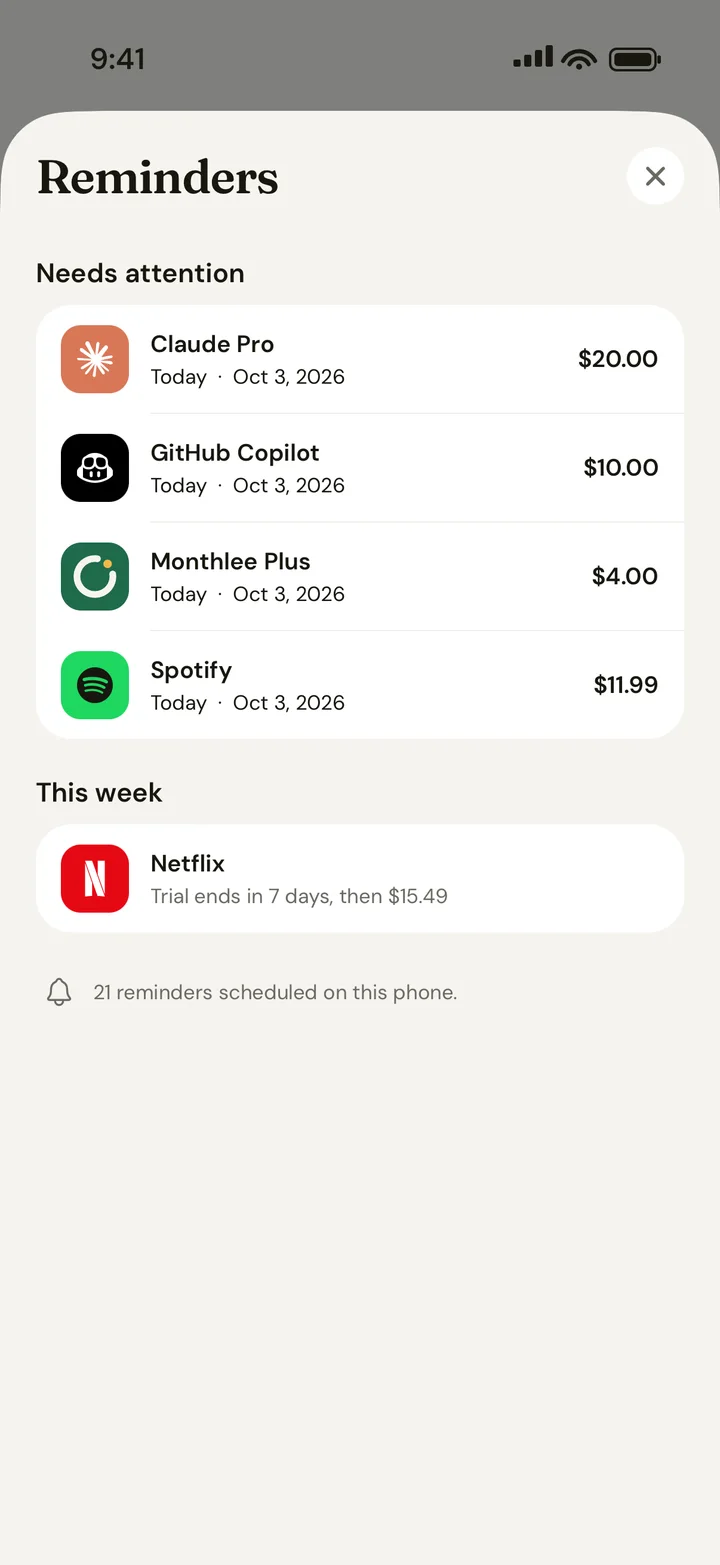
Get reminded

A heads-up before you pay.

On the day, or 1, 2, 3 or 7 days before each charge.

Spotify renews today$11.99 will be charged today.
iCloud+ renews tomorrow$2.99 will be charged.
See it

Where the money really goes.

Monthly and yearly totals, by category.
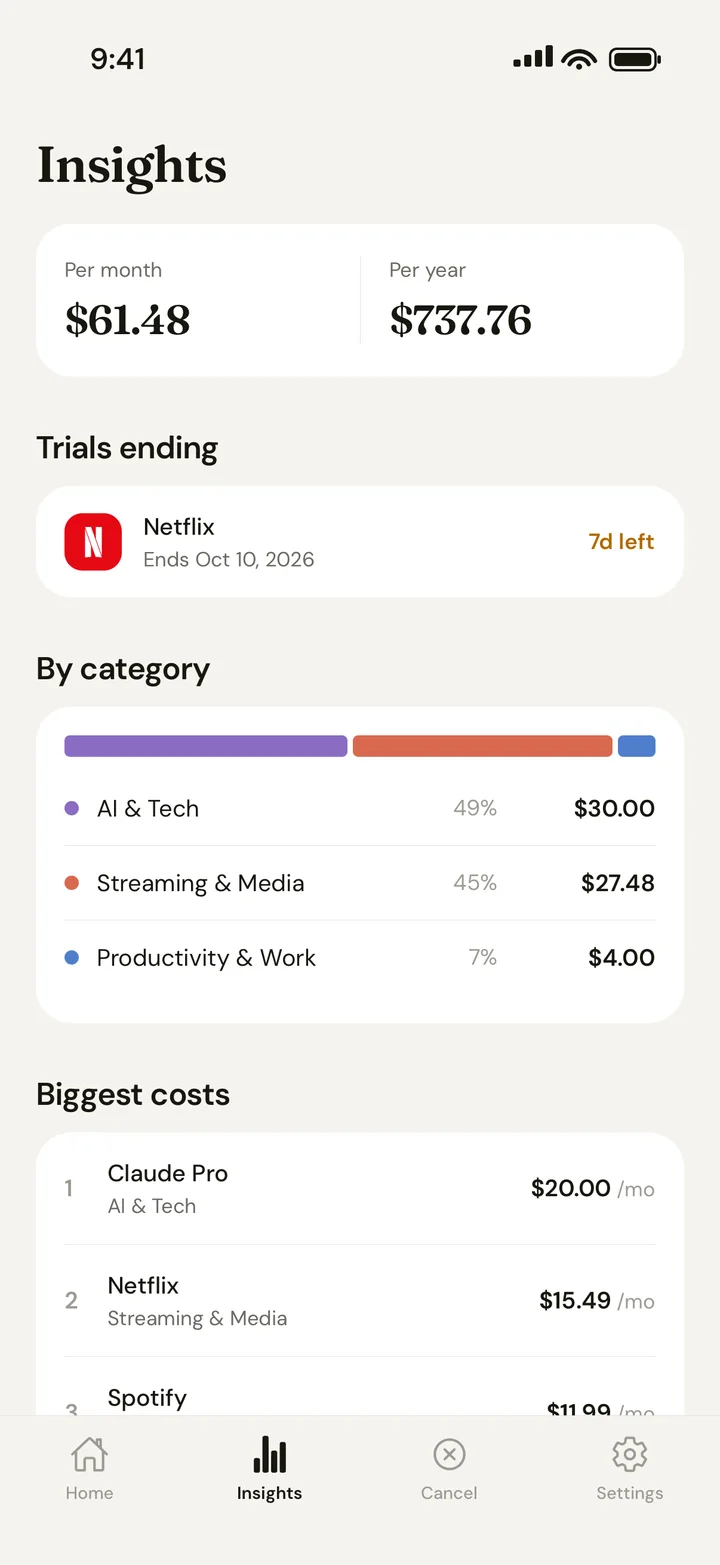
Monthlee insights by category
Catch trials

Free trials don’t sneak into paid.

Monthlee warns you before a trial converts, then asks: keep it, or remove it?

MONTHLEE
Headspace trial ended 3 days ago. Did you keep it?
Keep it · $12.99Remove
Cancel it

Leaving shouldn’t be a maze.

Plain steps and direct links for services that make cancelling hard.

How to cancel Netflix
  1. Open Account in a browser.
  2. Choose Cancel Membership.
  3. Confirm, and you keep access until the period ends.
Open cancellation page →

What are you paying for?

Streaming
AI tools
Cloud storage
Fitness
Learning
Work tools
How much do I spend on streaming?
MONTHLEE
$27.48 a month across 2 services. Rotating one of them, a month at a time, saves about $185 a year.
This month: 5 charges, $61.48
Insights

Your whole month, in one number.

Every renewal converted to a monthly cost, so a yearly plan and a weekly one finally add up.

$61.48a month
C
$737.76a year, at a glance
5charges coming this week
21reminders scheduled

Figures from an example account.

More reasons to stay

The small things that keep money in your pocket.

Plus

Know when prices go up

Every price change is kept, and a quick check after each renewal catches the sneaky ones.

Netflix went upRenewed yesterday
$13.49 → $15.49
Still $11.99?Did this charge match?
Yes
Plus

Reminders that fit your week

Pick the time they arrive, get a second nudge on the day, and a Sunday summary of what’s coming.

This week: 3 charges, $30.29Spotify, iCloud+ and Netflix
Sun
Spotify renews today$11.99 will be charged today.
8:00
Free

See what cancelling saved you

Mark a subscription as cancelled and Monthlee keeps count. Share it if you’re proud.

Saved by cancelling 3 subscriptions
$214 a year
$71.40 kept so far
Plus

A budget, and only your share

Set a monthly limit and get warned before you cross it. Split family plans so totals count your part.

$61.48 of $80$18.52 left
Spotify FamilySplit 4 ways
$4.25
Pro

One list for the whole household

Share subscriptions with a partner, family or flatmates. Everyone gets the reminders. Joining is free.

SMA
Home3 people · invite code K7PQ2M4X
NetflixShared by Sam
$15.49
Plus

Ways to save, worked out for you

Overlapping apps, too many streaming services, things you rarely use. With the amount each one saves.

2 AI chat appsMost people only need one
$204/yr
You rarely use YouTubeFrom your monthly check-in
$168/yr
Home and Lock Screen widgets Mixed currencies, one total Renewals in your calendar Add everything in 30 seconds
Widgets

Your month, without opening the app.

See your monthly total and what’s charged next right on your Home Screen and Lock Screen. It updates itself every day.

  • FreeSmall: this month and what’s next
  • PlusMedium and large: the charges coming up
  • PlusLock Screen: a glance before you unlock

To add one: touch and hold your Home Screen, tap Edit › Add Widget, and search for Monthlee.

Plans

Start free.
Upgrade anytime.

Free

$0
forever
  • Track up to 5 subscriptions
  • Reminders before every charge
  • Insights and cancel guides
  • Savings report
  • Home Screen widget

Plus

$44
per year
  • Unlimited subscriptions
  • Price-change alerts and history
  • Budget and cost splitting
  • Repeat reminders and a weekly summary
  • Mixed currencies, converted totals
  • Ways-to-save suggestions
  • All widget sizes, CSV export
1 month
freeyearly

Pro

$66
per year
  • Everything in Plus
  • Shared list for up to 6 people
  • Renewals in your calendar
  • For families and households

Private by design.

Your subscriptions are your business. Monthlee only knows what you choose to add.

No bank logins, ever

You add only what you want to track.

Never sold

No ads, no trackers, no data brokers.

Synced and backed up

The same list on every device you sign in to.

Works offline

Your list and reminders stay with you.

FAQ

Good questions.

Does Monthlee connect to my bank?

No, never. You add the subscriptions and bills you want to track, by hand or with a one-tap preset. Monthlee never asks for bank logins or reads your statements.

How do reminders work?

For each subscription you choose when to hear about it: on the day, or 1, 2, 3 or 7 days before. Reminders are scheduled on your phone, so they arrive even without signal.

Can Monthlee cancel subscriptions for me?

Monthlee doesn’t cancel anything on your behalf. It gives you plain step-by-step guides and direct links to each service’s cancellation page, so it takes a minute instead of a maze.

What do Plus and Pro add?

The free plan tracks up to 5 subscriptions with reminders, insights, cancel guides, the savings report and a widget. Plus removes the limit and adds price-change alerts, a budget, cost splitting, a weekly summary, mixed currencies and ways-to-save suggestions. Pro adds a shared list for up to 6 people and calendar sync. Yearly plans cost 11 months, so one month is free.

Can I share subscriptions with my family?

Yes. With Pro you can start a shared list and invite up to 5 people with a code. Joining is free. Everyone sees what’s shared, gets its reminders and can keep it up to date. Your other subscriptions stay private.

Is there a widget?

Yes. Add Monthlee to your Home Screen or Lock Screen to see your monthly total and what’s charged next. The small widget is free; the other sizes come with Plus.

How do I cancel Plus or Pro?

On iPhone, go to Settings → your name → Subscriptions → Monthlee. Your plan stays active until the end of the period you paid for.

Can I delete my account and data?

Yes. In the app, go to Settings → Delete account. It permanently removes your account and everything in it. You can also export your list first.

Stop paying for what you forgot.

Set it up in a couple of minutes. Monthlee is free to start.

Download on theApp Store
Monthlee reminders screen