Best Subscription Tracker App: 9 Things That Matter
Looking for the best subscription tracker app? Use these 9 criteria, from privacy and reminders to free trials, widgets, sharing and price, to choose well.
Key takeaways
- The best subscription tracker app is the one you'll keep using, so judge apps on reminders, ease of adding services and a clear total first.
- Decide early if you're comfortable linking your bank. Manual trackers trade a few minutes of setup for more privacy.
- Check that reminders let you choose how many days before and what time of day, and that free trials get their own warning.
- Look at the free plan's limits and work out the yearly cost of the paid plan before you commit.
- Make sure the app runs on every phone you and your family use.
The best subscription tracker app is the one that reminds you before every charge, shows your real monthly and yearly total, and is quick enough to set up that you'll actually keep it current. Beyond that, the right choice depends on what you care about most: privacy, family sharing, free trials or price.
Below are the nine things worth checking before you pick one, with questions to ask about each. At the end you'll find a quick scoring table you can use to compare any apps you're considering, and an honest look at how one app stacks up.
What a subscription tracker app should do#
Before comparing features, it helps to be clear on the job. A subscription tracker exists to answer three questions at any moment:
- What am I paying for, and how much does it all add up to?
- What's about to renew, and when?
- Where do I go to cancel something?
If an app answers those quickly, it's doing its job. Everything else is a bonus. If you're not sure you need an app at all, our guide on how to track all your subscriptions in one place compares apps with spreadsheets and calendar reminders.
1. Privacy: does it need your bank login?#
This is the biggest fork in the road. Tracker apps fall into two groups:
- Bank-linked apps connect to your bank or card account, read your transactions and try to spot recurring charges automatically.
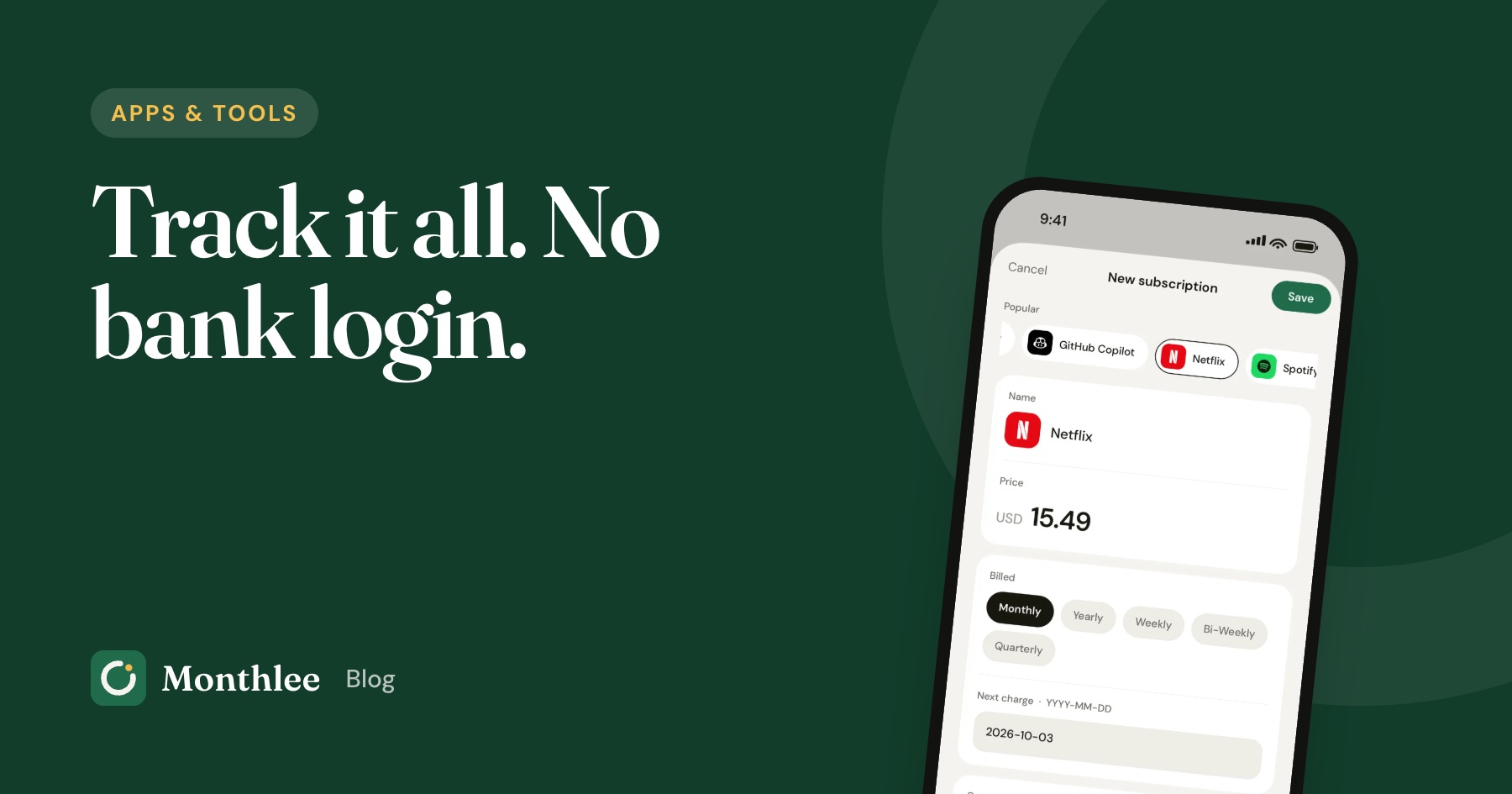
- Manual apps let you add subscriptions yourself. They never see your statements.
Bank linking saves some typing, but it means sharing ongoing access to your financial data with another company, and the automatic detection isn't perfect. Charges billed through Apple or Google often appear under generic names, and free trials don't show up until you've already been charged.
Manual apps take 10 to 20 minutes to set up, but you decide exactly what's stored. For a full breakdown of the trade-offs, see how to track subscriptions without linking your bank.
Questions to ask: Does the app require a bank connection, or is it optional? What data does it store, and where? Does it sell data or show ads?
2. Reminders: timing and control#
Reminders are the reason most people install a tracker. Without them, you just have a list. Look for control over two things:
- How far in advance. One day is enough for a $4.99 app. A $119 yearly plan deserves a week's notice so you can compare options.
- What time of day. A reminder at a time you can act on it is far more useful than one that arrives during a meeting.
Also check whether reminders are scheduled on the phone itself or pushed from a server. Reminders scheduled on the device arrive even when you're offline.
Questions to ask: Can I set different lead times for different subscriptions? Can I choose the time? Can I get a second reminder on the day of the charge?
3. Free trial handling#
Free trials are where surprise charges come from. You sign up to try something, forget, and the trial quietly becomes a paid plan.
A good tracker treats trials differently from regular subscriptions. It should know the trial end date, warn you before the trial converts, and ideally ask afterward whether you kept it so your list stays accurate. For Apple subscriptions, you need to cancel at least 24 hours before the trial ends to avoid the charge, so the warning has to come earlier than that.
For more on this, read how to avoid getting charged after a free trial.
Questions to ask: Can I mark something as a trial? Does the warning come early enough to cancel? What happens to the entry after the trial ends?
4. Totals in one currency#
Seeing the total is often the moment people decide to cut. The app should show both a monthly and a yearly figure, and it should convert yearly and weekly plans into the same unit so they're comparable.
Here's the arithmetic an app should do for you:
- A $9.99/month plan costs $9.99 × 12 = $119.88 a year.
- A $99/year plan costs $99 ÷ 12 = $8.25 a month.
- A $2.99/week plan costs $2.99 × 52 ÷ 12 = $12.96 a month.
If you pay for anything in another currency (common with apps bought while traveling or services priced in euros or pounds), check whether the app converts those into your home currency for a single total. Otherwise you'll get two totals that don't add up.
Questions to ask: Does it show monthly and yearly totals? Does it convert weekly and yearly plans? Does it handle mixed currencies?
5. Widgets and at-a-glance info#
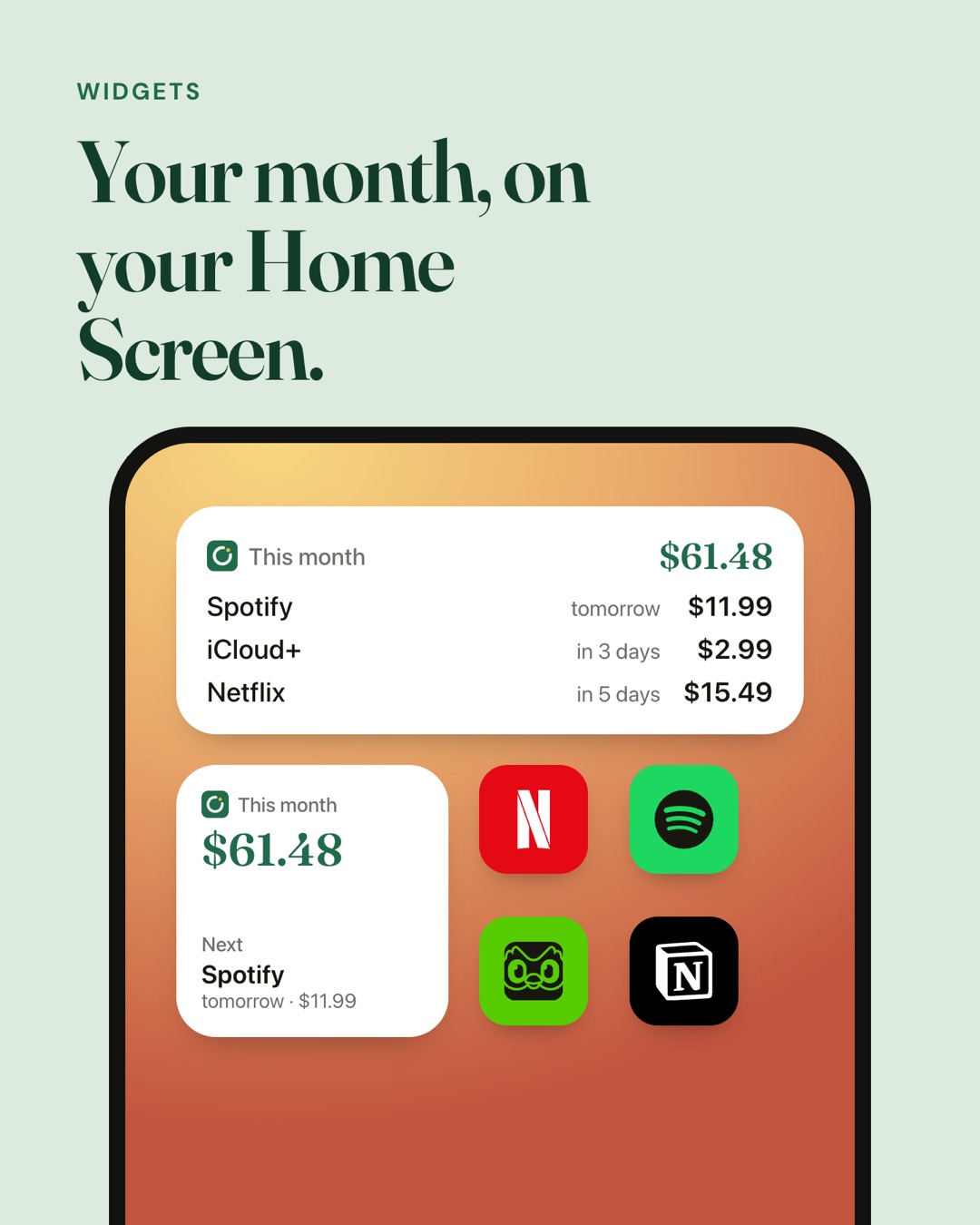
The less effort it takes to see what's coming up, the more likely you'll notice in time. Home Screen and Lock Screen widgets can show your monthly total and the next charge without opening the app.
This sounds minor, but it changes behavior. A widget that says "$15.49 tomorrow" is a much stronger nudge than a list you have to remember to open.
Questions to ask: Are there widgets? Which sizes? Are they included in the free plan?
6. Sharing with family or a partner#
Many subscriptions are shared: a family streaming plan, a household music account, shared cloud storage. If two people track the same household spending, you want one list both of you can see, rather than two lists that drift apart.
There's also the money side. If you pay for a family plan and others chip in, it helps to track each person's share. Our guide on how to share and split subscription costs with family covers how to set that up fairly.
Questions to ask: Can I share a list with other people? Do they need to pay to join? Can I split a subscription's cost between people?
7. Export and owning your data#
Your list is useful outside the app too: for budgeting, for taxes if some subscriptions are business expenses, or simply as a backup. Check whether you can export it, and in what format. CSV opens in any spreadsheet app.
Export also protects you if you ever want to switch apps. If you like working in spreadsheets, a subscription tracker spreadsheet is a good companion for the exported data.
Questions to ask: Can I export to CSV? Is export on the free plan or paid only? Does the app sync across my devices?
8. Price: free plan limits and yearly cost#
It's a little ironic to overspend on a subscription tracker, so work out what it really costs.
Most apps have a free plan with limits, often a cap on how many subscriptions you can add. Count your subscriptions first. If you have 12 and the free plan allows 5, you'll need to pay.
Then compare monthly and yearly pricing:
- A $4/month plan costs $4 × 12 = $48 a year.
- If the same plan is $44/year, you save $48 − $44 = $4, which is one month free.
Finally, set that against what the app could save you. If it catches one forgotten $15.49/month streaming plan, that's $15.49 × 12 = $185.88 a year, several times the cost of the tracker.
Questions to ask: What does the free plan include? How many subscriptions can I add for free? What's the yearly price of the paid plan?
9. Platform: does it run on your phones?#
This one is easy to overlook. An app that's perfect on iPhone is no help if your partner uses Android and you want a shared list. Check which platforms the app supports before you invest time in setting it up.
Also check whether it syncs across your own devices, such as an iPhone and an iPad, and whether it works offline.
Questions to ask: Is it on iOS, Android or both? Does it sync between devices? Does it work without a connection?
A quick scoring table for comparing apps#
Use this to compare any two or three apps you're considering. Give each criterion a weight from 1 to 3 based on how much it matters to you, then score each app from 0 to 2.
| Criterion | Your weight (1 to 3) | App A (0 to 2) | App B (0 to 2) |
|---|---|---|---|
| Privacy / no bank login required | |||
| Reminder timing and time of day | |||
| Free trial warnings | |||
| Monthly and yearly totals, one currency | |||
| Widgets | |||
| Sharing with family | |||
| Export | |||
| Price for your number of subscriptions | |||
| Runs on all your phones |
Multiply each score by its weight and add them up. The highest total wins, but if one app fails a must-have (for example, it doesn't run on your partner's phone), cross it off regardless of score.
How Monthlee measures up#
Here's how Monthlee scores against the nine criteria, including where it falls short.
| Criterion | How it does |
|---|---|
| Privacy | No bank login, ever. You add subscriptions yourself; popular services are one tap with logo, price and cycle filled in. Data is never sold and there are no ads. |
| Reminders | On the day, or 1, 2, 3 or 7 days before each charge, at a time you choose. Scheduled on the phone, so they arrive without signal. A second reminder on the day is on the Plus plan. |
| Free trials | Warns you before a trial becomes a paid plan, then asks whether you kept it. |
| Totals | Monthly and yearly totals, spending by category and biggest costs on all plans. Mixed currencies converted into one total is on Plus. |
| Widgets | A small Home Screen widget on the free plan; all widget sizes on Plus. |
| Sharing | Splitting a subscription's cost between people is on Plus. A shared list with up to 6 people is on Pro, and joining is free. |
| Export | CSV export on Plus. |
| Price | Free for up to 5 subscriptions. Plus is $4/month or $44/year; Pro is $6/month or $66/year. Yearly plans cost 11 months. |
| Platform | iPhone only. It isn't on Android yet, so it won't suit a household that needs a shared list across iPhone and Android. |
In short, it's a strong fit if you use an iPhone, don't want to link a bank, and care most about reminders and free trial warnings. If anyone you'd share a list with is on Android, it isn't the right pick today.
The bottom line#
Start by counting your subscriptions and deciding if you're willing to link your bank. Those two answers narrow the field quickly. Then check that reminders give you control over timing, that free trials get their own warning, and that the app shows a single monthly and yearly total.
After that, weigh the extras that matter to you (widgets, sharing, export) and work out the yearly cost of the plan you'd need. Pick the app that scores best on your must-haves, spend 15 minutes adding everything, and let the reminders do the rest.
Frequently asked questions
Do subscription tracker apps need access to my bank account?
Not all of them. Some connect to your bank to detect recurring charges automatically, while others let you add subscriptions yourself and never ask for a bank login. Manual apps take a few minutes to set up but don't need access to your financial accounts.
Are free subscription tracker apps good enough?
For a short list, often yes. Many free plans include reminders and a monthly total but cap how many subscriptions you can add. If you have more than a handful, or want extras like export, price-change alerts or sharing, a paid plan is usually needed.
Can a subscription tracker cancel subscriptions for me?
Generally you still cancel each subscription yourself, because the service or app store controls the cancellation. A good tracker makes it quicker by telling you where the subscription is billed and linking to the right cancellation page.
What should a subscription tracker app remind me about?
At minimum, upcoming renewals and free trials that are about to turn into paid plans. Useful extras include a reminder on the day of the charge, alerts when a price changes, and a regular summary of what's coming up.
Know every charge before it lands.
Monthlee keeps your subscriptions, bills and free trials in one calm list and reminds you before each charge. No bank login. Free for up to 5 subscriptions.
Download on theApp Store- Reminders 1, 2, 3 or 7 days before
- Free-trial warnings
- Monthly and yearly totals
- Cancel guides with direct links
Keep reading
 Apps & tools
How to Track Software Subscriptions for Your Business
Track software subscriptions for your business: list every tool, seat and account owner, choose monthly or annual, keep receipts and set renewal reminders.
 Apps & tools
How to Track Subscriptions Without Linking Your Bank
You can use a subscription tracker without a bank account login. Compare the trade-offs, build a complete manual list in 20 minutes and catch what you missed.
 Apps & tools
Subscription Tracker Spreadsheet: Free Template
Get a free subscription tracker spreadsheet template with formulas for monthly and yearly cost, due-soon highlights, and signs it's time to switch to an app.