How to Avoid Getting Charged After a Free Trial
Stop surprise charges when a free trial ends: note the end date, set a free trial reminder two days early, and cancel early when access continues.
Key takeaways
- Write down the exact trial end date and the price it converts to before you start using the service.
- Set a free trial reminder for two days before the trial ends, not on the last day.
- If cancelling keeps your access until the trial ends, cancel right after signing up.
- On iPhone, cancel App Store trials at least 24 hours before they end to avoid the first charge.
- If a trial already charged you, cancel first, then ask for a refund through the right channel.
The simplest way to avoid getting charged after a free trial is to treat the sign-up moment as the only moment that matters. Before you start using the service, write down the exact date the trial ends and the price it turns into, then set a free trial reminder for two days before that date.
If the service lets you keep your access after cancelling, go one step further and cancel straight away. You still get the full trial, and there's nothing left to remember. If it doesn't, the two-day reminder gives you time to decide calmly instead of discovering a charge on your statement.
Everything below expands on those two habits: why trials are built to convert, a short checklist for the moment you sign up, how App Store trials work, what to do about trials that ask for a card, and how to respond if you've already been charged.
Why free trials turn into paid subscriptions#
Free trials are designed around a simple fact: most people don't cancel things they've forgotten about. The trial starts with your full attention and ends when your attention is somewhere else entirely.
A few design choices make that more likely:
- Automatic conversion. Almost every trial that takes a card renews into a paid plan unless you act. Doing nothing is the same as saying yes.
- Odd trial lengths. Seven days, 14 days, one month, three months. Different lengths make it hard to keep a mental tally of when each one ends.
- Quiet end dates. Some services send a warning email before the trial ends, but plenty don't, and those that do can land in a promotions folder.
- Low first price, higher later. Some trials convert into an introductory price that then rises, so the second charge is bigger than the first.
None of this means trials are bad. They're a good way to test a service before you pay. The problem is purely about memory, and memory is something you can outsource.
The moment-of-signup checklist#
The few minutes when you start a trial are when you have all the information in front of you. Use them. Here's a checklist you can run every time:
- Find the end date. Look for it on the confirmation screen, in the confirmation email, or in your account's billing page. Write down the date, not "in two weeks."
- Note the price it converts to. Write down the amount and the billing cycle, for example "$12.99/month" or "$59.99/year." A yearly plan that converts after a trial is a much bigger surprise than a monthly one.
- Note how you paid. Was it through the App Store, Google Play, PayPal, or a card directly on the website? This decides where you'll have to cancel.
- Set a reminder for two days before the end. Two days gives you a buffer for time zones, a busy day, and services that need a bit of notice.
- Decide whether to cancel now. If cancelling keeps access until the trial ends, cancel immediately. If it ends access straight away, keep the reminder and cancel later.
- Save the cancel link. Bookmark the page where you'd cancel, or note the menu path. You'll thank yourself in two weeks.
Why two days before, not on the last day#
A reminder on the final day leaves no margin. Trials often end at a specific time rather than at midnight, and that time can be based on the moment you signed up or on the company's time zone. App Store trials also need you to cancel at least 24 hours in advance.
Two days ahead is the sweet spot. Early enough to act without stress, late enough that you've had a proper look at the service.
Cancel immediately where access continues#
Many services, including most subscriptions billed through the App Store, let you keep using a cancelled subscription until the end of the period you already have. For a trial, that means you can cancel on day one and still enjoy the whole trial.
This is the most reliable way to avoid a charge, because it removes the need to remember anything. If you end up loving the service, you can simply resubscribe before the trial ends.
One caution: some services end a trial as soon as you cancel. Apple notes that cancelling during a free trial can mean losing access immediately for some apps. Before cancelling early, check the confirmation message. If it says your access ends now, you'll know to rely on a reminder instead.
How to set a free trial reminder that actually works#
A reminder only helps if it reaches you at a moment when you can act. A few options, from simplest to most organised:
| Method | Good for | Weak spot |
|---|---|---|
| Calendar event with an alert | One or two trials at a time | Mixed in with everything else on your calendar |
| Phone reminders app | Quick to set while signing up | Easy to snooze and forget |
| Spreadsheet of trials and subscriptions | People who like to see everything in one sheet | No alerts unless you add them separately |
| Subscription tracker app | Several trials plus ongoing subscriptions | Takes a minute to add each one |
If you go the calendar route, write the event title as an action: "Cancel streaming trial before it charges $15.49" is far more useful than "Streaming trial." Add the cancel link to the event notes.
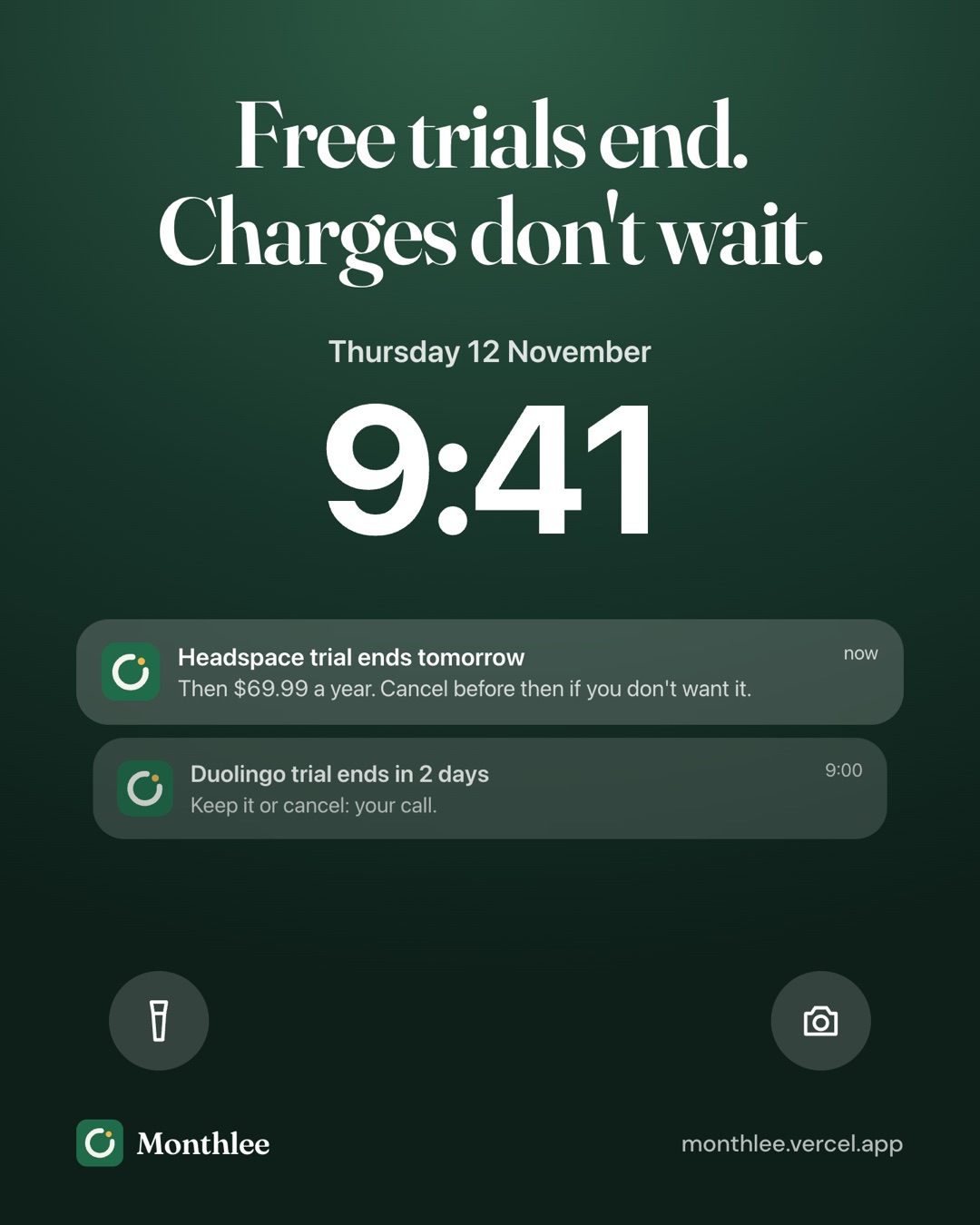
If you juggle several trials alongside regular subscriptions, a tracker keeps them together. Monthlee is one option on iPhone: you add the trial with its end date, and it warns you before the trial turns into a paid plan, then asks whether you kept it. Reminders are scheduled on the phone, so they arrive even without signal. There's more on setting up alerts in how to get reminded before every subscription renews.
Make the reminder specific#
Whatever tool you use, include three things in the reminder:
- The service name and the amount it will charge.
- Where you pay for it (App Store, Google Play, website, PayPal).
- A link or menu path to cancel.
That way the reminder is a two-minute task instead of a research project.
App Store free trials and the 24-hour rule#
Free trials you start in an iPhone or iPad app are usually billed through Apple, not the app's developer. That changes where and when you cancel.
Apple asks you to cancel at least 24 hours before a free trial ends to avoid being charged. If you leave it to the last day, the renewal may already be in motion.
To cancel an App Store trial on iPhone:
- Open Settings.
- Tap your name at the top.
- Tap Subscriptions.
- Choose the trial you want to stop.
- Tap Cancel Subscription (or Cancel Free Trial) and confirm.
You can also manage App Store subscriptions on the web at https://apps.apple.com/account/subscriptions. The Subscriptions screen shows when the trial ends, which is handy if you forgot to write the date down. For more detail, including what to do if a subscription doesn't appear in the list, see how to cancel subscriptions on iPhone.
Two points catch people out:
- Deleting the app doesn't cancel the trial. The subscription lives in your Apple account, not in the app.
- The developer's website can't cancel it. If you started the trial through Apple, you have to cancel through Apple, even if the service also has a website with its own account settings.
On Android, trials started through Google Play work the same way in principle: cancel in the Play Store under Payments & subscriptions, and remember that uninstalling the app doesn't cancel anything.
Trials that need a card up front#
Some services offer a trial without any payment details. Those are the easy ones: if you do nothing, the trial just ends.
Most, though, ask for a card before the trial starts. A few things to check before you enter it:
- Is there a no-card option? Some services offer a limited free tier or a shorter trial without a card. If you only want a quick look, that may be enough.
- What happens at the end? Look for wording like "then $9.99/month" or "billed annually after trial." If it converts to a yearly plan, the risk is bigger.
- Is there a small authorization charge? Some companies place a temporary hold to check that the card works. It usually drops off, but it's worth knowing so it doesn't alarm you.
- Are you signing up through a bundle? Trials that come with a phone plan, a credit card perk, or another subscription may convert under different terms. Note where the trial came from.
Virtual and prepaid card options#
If you start a lot of trials, a separate card can act as a safety net. In general terms, the options are:
- Virtual card numbers. Some banks and card issuers let you create a separate card number for online purchases, sometimes with a spending limit or the ability to lock it. If a trial tries to charge a locked card, the payment fails.
- Prepaid cards. A prepaid card with a small balance limits how much a forgotten trial can take. Note that some services don't accept prepaid cards.
- A dedicated card for subscriptions. Even an ordinary card used only for subscriptions makes every recurring charge easy to spot on one statement.
These tools are a backstop, not a replacement for cancelling. A failed payment doesn't always cancel a subscription; some services keep retrying or mark the account as overdue. Cancel properly as well, and check your card issuer's terms for how their virtual or prepaid cards work.
Keep a running list of every trial#
One trial is easy to remember. Three at once, with different lengths and payment methods, is where charges slip through.
Keep all of them in one list, along with your regular subscriptions. For each trial, record:
- Service name
- Start date and end date
- Price after the trial and billing cycle
- Payment method
- Cancel link or menu path
- Your decision: keep or cancel
A simple note or spreadsheet works. The point is having a single place you check, rather than relying on scattered emails. If you've lost track of what's already running, how to find every subscription you're paying for walks through bank statements, app stores and email searches.
A quick worked example#
Say you start three trials in the same month:
- A video streaming trial that converts to $15.49/month
- A music trial that converts to $11.99/month
- A fitness app trial that converts to $59.99/year
If you forget all three, the first round of charges is $15.49 + $11.99 + $59.99 = $87.47. If you keep forgetting the two monthly ones for a full year, they add up to ($15.49 + $11.99) × 12 = $27.48 × 12 = $329.76, plus the $59.99 yearly charge, for $389.75 in total.
A note on your phone with three dates would have prevented all of it.
What to do if you were charged after a free trial#
It happens. The trial ended a day earlier than you thought, or the reminder came at a bad moment. Here's what to do, in order:
- Cancel straight away. Stop the next renewal first, even before you ask for money back. Use the same place you subscribed: Apple, Google Play, PayPal, or the service's website.
- Check what you were charged. Note the date, the amount and the merchant name exactly as it appears on your statement.
- Ask for a refund through the right channel. For App Store purchases, go to https://reportaproblem.apple.com, sign in, choose "I'd like to," then "Request a refund." Apple decides each request, so a refund isn't guaranteed. Our guide on how to get a refund for an App Store subscription covers this in detail.
- For other services, contact support. Explain that you meant to cancel the trial, give the charge date, and ask politely whether they can refund it. Many companies will, especially if you haven't used the paid period.
- If support won't help, contact your bank or card issuer. They can explain your options for a disputed charge.
Be quick. A request made the day of the charge, with no use of the paid period, is usually easier to resolve than one made weeks later.
Habits that stop trial charges for good#
The checklist works best when it becomes automatic. A few habits help:
- Never start a trial without writing the end date down. If you don't have time to note it, you don't have time to start the trial.
- Cancel on day one whenever access continues. It's the one approach that works even if you forget everything else.
- Review your list once a month. Look for trials ending soon and subscriptions you no longer use. The 30-minute subscription audit is a good routine if you've never done one.
- Be wary of trials that convert to yearly plans. A forgotten monthly charge is annoying; a forgotten annual charge can be a lot of money at once.
- Decide before the reminder, not because of it. Around day five of a seven-day trial, ask yourself whether you've actually used it. If not, cancel.
The bottom line#
Free trials are only risky when they rely on your memory. At sign-up, note the end date, the price it converts to, and where you're paying. Set a reminder for two days before the end, and cancel immediately whenever your access continues until the trial runs out.
For App Store trials, cancel at least 24 hours before the end, through Apple. If a charge slips through anyway, cancel first, then ask for a refund through the right channel. Do this every time, and trial charges stop being a surprise.
Frequently asked questions
Can I cancel a free trial right after I sign up?
Usually, yes. Many services let you keep using the trial until its end date after you cancel, but some end access immediately. Check the confirmation screen or the service's help page before you cancel early.
How do I get reminded before a free trial ends?
Add the trial end date to a calendar or a subscription tracker and set an alert for two days before it ends. That leaves time to decide and to cancel without rushing at the last minute.
Do I get charged if I cancel an App Store free trial on the last day?
You might. Apple asks you to cancel at least 24 hours before a free trial ends to avoid being charged, so cancelling on the final day can be too late.
What should I do if a free trial charged me?
Cancel the subscription right away so it doesn't renew again, then request a refund. For App Store purchases, use reportaproblem.apple.com; for other services, contact their support, and if that fails, contact your bank or card issuer.
Know every charge before it lands.
Monthlee keeps your subscriptions, bills and free trials in one calm list and reminds you before each charge. No bank login. Free for up to 5 subscriptions.
Download on theApp Store- Reminders 1, 2, 3 or 7 days before
- Free-trial warnings
- Monthly and yearly totals
- Cancel guides with direct links
Keep reading
 Save money
Free Alternatives to Paid Subscriptions Worth Trying
Free alternatives to subscriptions: free tiers, library apps, built-in phone apps, open-source software and shared plans, with honest trade-offs for each.
 Save money
Subscriptions on a Student Budget: Keep, Cut and Discounts
How to manage student subscriptions on a tight budget: decide what to keep or cut, check for student pricing, use free campus resources and pause over summer.
 Save money
The Subscription Detox: A 30-Day Reset
A subscription detox is a 30-day reset: pause or cancel everything non-essential, notice what you miss, then add back only what earns its place.