Monthly vs Yearly Subscriptions: Which Saves Money?
Monthly vs annual subscription: divide the yearly price by the monthly price to find your break-even point, then pick yearly only if you'll use it longer.
Key takeaways
- Divide the yearly price by the monthly price to find how many months of use make yearly worth it.
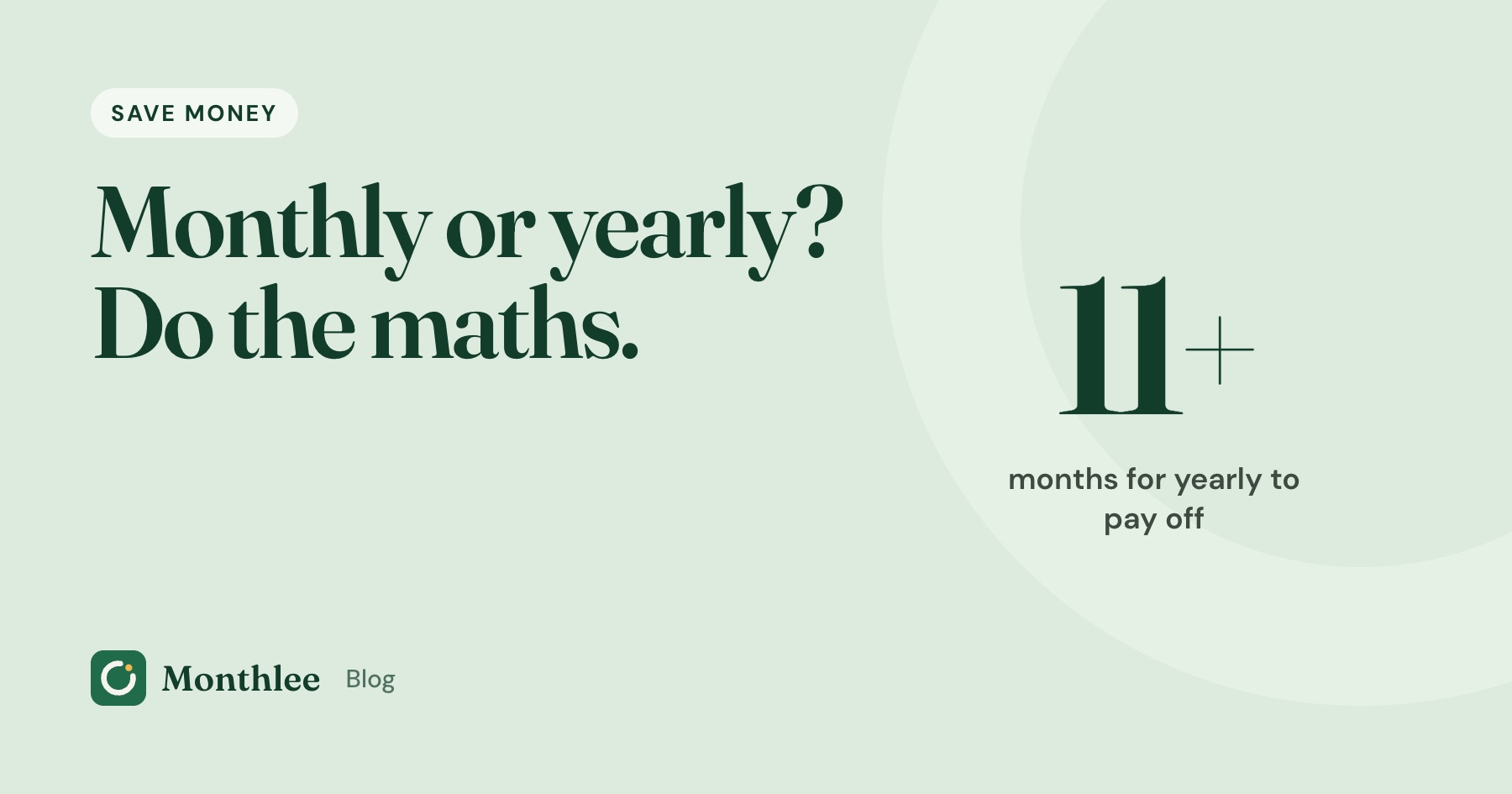
- A $9.99/month plan against a $99.99/year plan only pays off if you'd keep it for 11 months or more.
- Yearly suits services you've used steadily for a while; monthly suits anything new, seasonal or uncertain.
- Cancelling a yearly plan usually stops the next renewal but rarely refunds the unused months.
- Set a reminder a week before every yearly renewal so a big charge never arrives unchecked.
Yearly subscriptions are almost always cheaper per month, but they only save money if you'd have kept paying for most of the year anyway. The quick test: divide the yearly price by the monthly price. That number is how many months of use it takes for yearly to come out ahead.
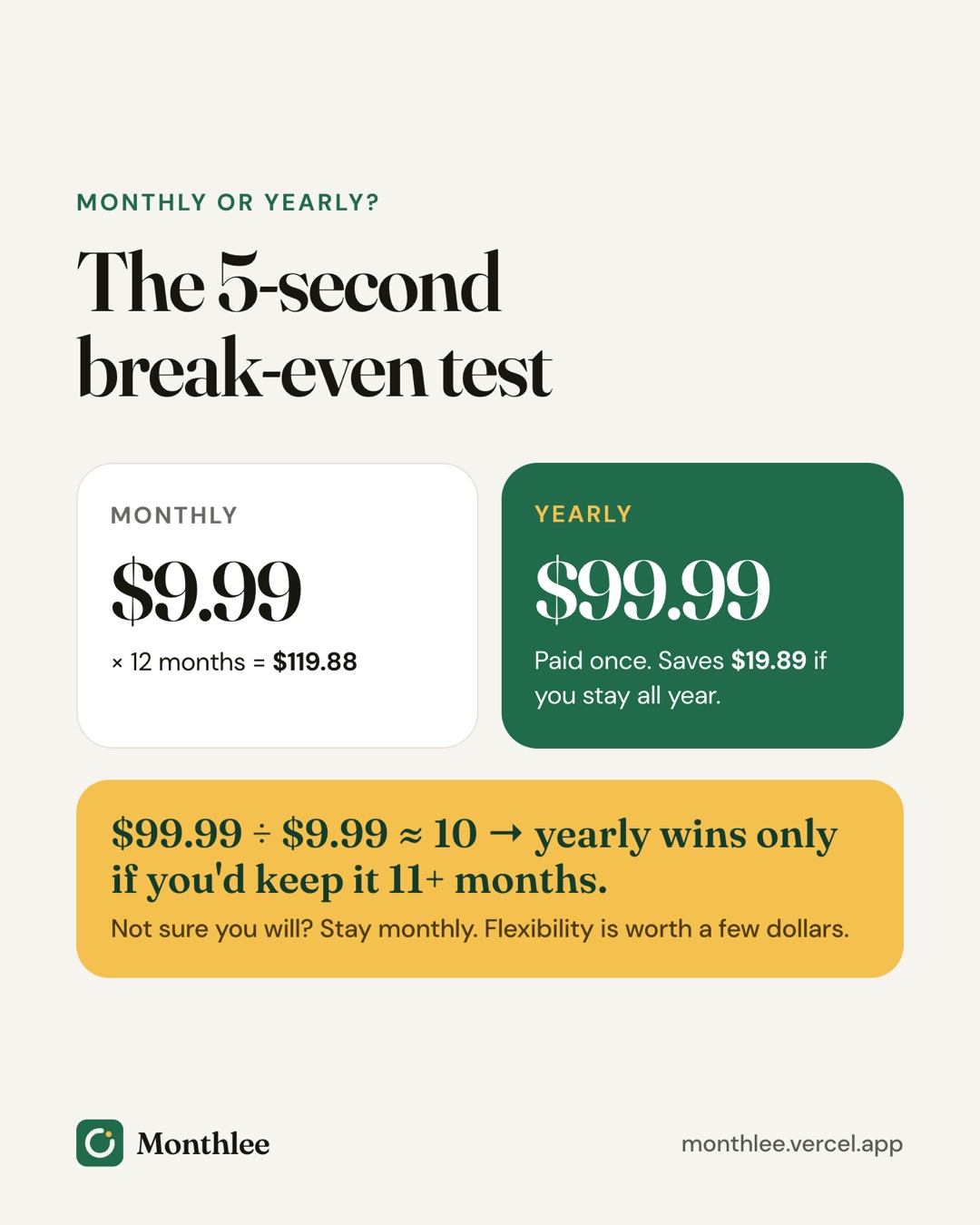
For example, a $9.99/month plan against a $99.99/year plan gives 99.99 ÷ 9.99 ≈ 10. If you'd keep the service for 11 months or more, yearly saves money. If there's a real chance you'll stop sooner, monthly is the safer bet.
Below are the break-even numbers for common price pairs, when each option makes sense, how cancellations and refunds differ, and how to stop a yearly renewal from catching you off guard.
The break-even math for monthly vs annual subscriptions#
Every monthly vs annual subscription decision comes down to one number: the break-even point. It's the number of months after which paying monthly would have cost more than the yearly plan.
Here's how to work it out:
- Take the yearly price.
- Divide it by the monthly price.
- Round up to the next whole month.
That's the minimum number of months you need to keep the service for yearly to be the cheaper option.
Worked example: $9.99/month vs $99.99/year#
- Paying monthly for a full year: $9.99 × 12 = $119.88
- Paying yearly: $99.99
- Saving if you use it all year: $119.88 − $99.99 = $19.89
Now the break-even: $99.99 ÷ $9.99 ≈ 10.01. Ten months of monthly payments cost $9.99 × 10 = $99.90, which is still slightly less than the yearly price. Eleven months cost $109.89, which is more.
So the yearly plan only wins if you'd keep paying for 11 months or more. If you'd quit after 10, monthly was the better choice by a few cents. If you'd quit after six, monthly saves you $99.99 − $59.94 = $40.05.
A break-even table for common prices#
The table below uses example prices to show how the math changes. Prices for real services vary and change over time, so plug in the numbers from your own plan.
| Monthly price | Yearly price | Monthly × 12 | Yearly saving | Effective monthly cost on yearly | Months to break even |
|---|---|---|---|---|---|
| $4.99 | $49.99 | $59.88 | $9.89 | $4.17 | 11 |
| $6.99 | $59.99 | $83.88 | $23.89 | $5.00 | 9 |
| $9.99 | $79.99 | $119.88 | $39.89 | $6.67 | 9 |
| $9.99 | $99.99 | $119.88 | $19.89 | $8.33 | 11 |
| $12.99 | $119.99 | $155.88 | $35.89 | $10.00 | 10 |
| $14.99 | $149.99 | $179.88 | $29.89 | $12.50 | 11 |
A pattern stands out. When a yearly plan is priced at roughly ten times the monthly price, you need 11 months of use to come out ahead, so the discount only rewards people who use the service nearly all year. When the yearly price is closer to eight times the monthly price, the break-even drops to nine months and yearly becomes easier to justify.
Turning the discount into a percentage#
Another way to compare is the percentage saved. Divide the yearly saving by the full-year monthly cost.
For the $9.99 vs $99.99 pair: $19.89 ÷ $119.88 ≈ 16.6%. For the $9.99 vs $79.99 pair: $39.89 ÷ $119.88 ≈ 33.3%.
A discount in the mid-teens is roughly "two months free." A discount around a third is much more generous, and worth a closer look if you already use the service every month.
When a yearly subscription is worth it#
Yearly makes sense when the break-even point is comfortably below how long you'll actually use the service. Signs that you're in that position:
- You've used it steadily for months. If you've paid monthly for half a year without a single month of "I didn't open this," your track record is good evidence.
- It's part of your routine or work. A password manager, cloud storage like iCloud+, a note-taking app or a tool you use for your job tends to stay useful all year.
- The discount is generous. The bigger the discount, the earlier the break-even, and the less you risk if your plans change.
- You'd like a stable price. A yearly plan generally fixes your price for that year. If the service raises prices, the change usually applies at your next renewal rather than mid-year.
- You want fewer charges to track. One charge a year instead of twelve makes your statement cleaner.
Try monthly first, then switch#
If you're unsure, start monthly and switch to yearly once the service has earned it. Say you pay $9.99 for two months, then switch to a $99.99 yearly plan. Over 14 months you pay $9.99 × 2 + $99.99 = $119.97, compared with $9.99 × 14 = $139.86 if you'd stayed monthly the whole time.
You give up a little of the discount in exchange for not betting $99.99 on a service you hadn't tried yet. That's often a good trade.
When monthly is the smarter choice#
Monthly costs more per month, but it gives you something yearly can't: the freedom to stop at any time with little left on the table.
Monthly is usually better when:
- You're new to the service. You don't yet know whether you'll use it. A free trial helps, but a week or a month isn't always enough to tell.
- Your use is seasonal. A sports streaming service you watch for one season, a tax app you need for a few weeks, a fitness app you use mostly in winter.
- Your budget is tight right now. A $99.99 lump sum can be harder to absorb than $9.99 a month, even if it's cheaper over a year.
- You might switch soon. If a competitor looks tempting or you're comparing tools, monthly keeps your options open.
- You rotate services. If you pay for one streaming service at a time, yearly plans work against you. See streaming rotation for how that approach works.
Worked example: seasonal use#
Say you use a $9.99/month service for four months a year, around a sports season or a hobby.
- Monthly, only during those months: $9.99 × 4 = $39.96
- Yearly: $99.99
Monthly saves $60.03 a year here, even though the yearly plan looks like a discount. The yearly price is only a deal if you'd otherwise pay for the months you're not using.
The hidden cost of "I'll use it more"#
Yearly plans are often bought with good intentions: a language app in January, a fitness app before summer. If your use drops off after two months, a $59.99 yearly plan works out to $30 per month of real use. Monthly at $6.99 would have cost $13.98.
Be honest about how you've used similar services in the past, not how you hope to use this one.
Refunds and cancellation: how monthly and yearly differ#
Cancelling works the same way for both, but what you lose is very different.
| Monthly plan | Yearly plan | |
|---|---|---|
| How to cancel | Same place you subscribed (App Store, Google Play, website) | Same place you subscribed |
| What cancelling does | Stops the next monthly charge | Stops the next yearly charge |
| Access after cancelling | Usually until the end of the current month | Usually until the end of the paid year |
| Money at risk if you stop using it | At most one month's price | Up to the full yearly price |
| Refund for unused time | Rarely needed | Not usually automatic; depends on the service |
Cancelling a yearly plan early#
With most services, cancelling a yearly plan turns off auto-renewal. You keep access until the year you paid for runs out, but you don't get money back for unused months unless the service offers it.
Some services do offer refunds within a short window after purchase or renewal. Check the service's help or terms page before assuming either way.
For subscriptions bought through Apple, you cancel in Settings → [your name] → Subscriptions, and you can ask for a refund at https://reportaproblem.apple.com. Apple decides each request and refunds aren't guaranteed. Our guide on how to get a refund for an App Store subscription explains the steps and what to include.
Switching between monthly and yearly#
Most services let you change billing frequency from your account or subscription settings. In the App Store, other plans from the same app are often listed under the subscription's options. The new plan usually starts at your next renewal date rather than immediately, so check when the switch takes effect before you assume you've been charged twice.
Set reminders before yearly renewals#
The biggest risk with yearly plans isn't the price. It's forgetting about them. A charge that happens once a year is easy to lose track of, and by the time it renews you may have stopped using the service months ago.
Protect yourself with a few habits:
- Write down the renewal date when you buy. It's usually the same date next year, but confirm it in your account or the App Store's Subscriptions screen.
- Set a reminder a week before. Seven days gives you time to check whether you still use it, look for a better price, and cancel if needed.
- Ask the break-even question again. Before every yearly renewal, decide whether you'll use it for at least as many months as the break-even point.
- Check whether monthly is now the better fit. If your use has dropped, switching back to monthly can save money even before you cancel outright.
A calendar event works fine. If you'd rather keep yearly and monthly charges in one list, Monthlee lets you set reminders on the day of a charge or 1, 2, 3 or 7 days before, at a time you choose. Its Plus plan also includes money-saving suggestions that flag when switching between monthly and yearly could help. For other ways to set this up, see how to get reminded before every subscription renews.
How to compare your own subscriptions#
Run this quick check across everything you pay for:
- List each subscription with its monthly price. For yearly plans, divide by 12 to get a monthly equivalent. A $99.99 yearly plan is about $8.33 a month.
- Look up the alternative billing option. For each monthly plan, find the yearly price, and vice versa.
- Calculate the break-even point. Yearly price ÷ monthly price, rounded up.
- Rate how sure you are. For each service, ask how many of the past 12 months you actually used it.
- Decide. If your usage comfortably exceeds the break-even, consider yearly. If it's close or below, stay monthly or cancel.
If you've never added up what you pay in total, start with how much you're really spending on subscriptions. Seeing the yearly total is often what prompts the switch in the first place.
The bottom line#
Yearly subscriptions save money only when you'd have kept the service for most of the year anyway. Divide the yearly price by the monthly price to find the break-even point, and choose yearly only if you're confident you'll use it longer than that.
Stay monthly for anything new, seasonal or uncertain, and switch to yearly once a service has proved itself. Whatever you choose, set a reminder a week before each yearly renewal so you decide on purpose rather than by default.
Frequently asked questions
Is it cheaper to pay for a subscription yearly or monthly?
Yearly is usually cheaper per month, often by the equivalent of one or two months. It only saves money if you keep the service for most of the year, so compare the yearly price with what you'd realistically pay month by month.
How do I calculate if an annual subscription is worth it?
Divide the yearly price by the monthly price. The result is the number of months you'd need to keep paying monthly before yearly becomes cheaper. If you're confident you'll use it longer than that, yearly wins.
Can I get a refund if I cancel a yearly subscription early?
Usually not automatically. Most services stop the next renewal and let you use the rest of the year you paid for. Some offer refunds in a short window after purchase, and App Store purchases can be requested at reportaproblem.apple.com, but refunds aren't guaranteed.
Should I switch from monthly to yearly billing?
Switch when you've used the service steadily for several months and expect to keep it all year. If your use is seasonal or you're still deciding, stay monthly and cancel during the months you don't need it.
Know every charge before it lands.
Monthlee keeps your subscriptions, bills and free trials in one calm list and reminds you before each charge. No bank login. Free for up to 5 subscriptions.
Download on theApp Store- Reminders 1, 2, 3 or 7 days before
- Free-trial warnings
- Monthly and yearly totals
- Cancel guides with direct links
Keep reading
 Save money
Free Alternatives to Paid Subscriptions Worth Trying
Free alternatives to subscriptions: free tiers, library apps, built-in phone apps, open-source software and shared plans, with honest trade-offs for each.
 Save money
Subscriptions on a Student Budget: Keep, Cut and Discounts
How to manage student subscriptions on a tight budget: decide what to keep or cut, check for student pricing, use free campus resources and pause over summer.
 Save money
The Subscription Detox: A 30-Day Reset
A subscription detox is a 30-day reset: pause or cancel everything non-essential, notice what you miss, then add back only what earns its place.