How to Keep Track of Recurring Bills and Never Pay Late
How to track recurring bills: list every bill and due date, plan for variable amounts, build a bill calendar and set reminders so you never pay late.
Key takeaways
- List every recurring bill with its amount, due date and how it's paid before you try to organize anything.
- Budget variable bills like electricity at their recent average, or at the highest month if money is tight.
- A simple bill calendar matched to your paydays shows which paycheck has to cover which bills.
- If you can't pay on time, contact the provider before the due date, not after.
To track recurring bills, make one list of every bill with its amount, due date and payment method, put the due dates on a calendar, and set a reminder a few days before each one. Then match the calendar to your paydays so you always know which paycheck covers which bills.
That's the whole system. What makes it work is having everything in one place, including the bills that change each month and the ones that only come once or twice a year.
Below is how to build it step by step, how to handle variable amounts and autopay, and what to do if you're about to miss a payment.
Bills vs subscriptions: what's the difference?#
Bills and subscriptions are both recurring charges, but they behave differently.
Subscriptions are optional services you can usually cancel any time: streaming, music, apps, cloud storage, memberships. Missing a payment typically just means the service stops.
Bills are for essentials or for money you owe:
- Rent or mortgage
- Utilities: electricity, gas, water, trash
- Phone
- Internet
- Insurance: car, renters or home, health, life
- Loans: car loans, student loans, personal loans
- Credit card minimum payments
- Childcare, tuition or other regular commitments
Missing a bill payment can bring late fees, service interruptions, or a negative mark with lenders. That's why bills deserve a little more structure. It makes sense to track both together, though, because they come out of the same bank account. Our guide on how to track all your subscriptions in one place covers the subscription side.
Step 1: List every recurring bill#
Start with one complete list. For each bill, write down:
- Name of the bill and provider
- Amount (or typical amount, if it varies)
- Due date
- Frequency: monthly, quarterly, every six months or yearly
- How it's paid: autopay, manual online payment, check, or through your bank's bill pay
- Which account or card it comes from
To find them all, look through two or three months of bank statements, your email (search for "bill", "statement", "due" and "payment"), and any paper mail. Don't forget bills that come rarely, like car insurance every six months or a yearly property or registration fee. If subscriptions are mixed in, our guide on how to find every subscription you're paying for helps you catch those too.
Step 2: Handle bills that change every month#
Some bills are fixed. Rent, loan payments and most insurance premiums are the same each time. Others change: electricity, gas, water, and sometimes phone bills.
Use your recent average#
For a variable bill, add up the last several months and divide. Here's an electricity bill over six months:
| Month | Amount |
|---|---|
| April | $62 |
| May | $70 |
| June | $95 |
| July | $118 |
| August | $104 |
| September | $81 |
| Total | $530 |
$530 ÷ 6 = $88.33 a month on average.
Or plan for the high month#
If money is tight, budget for the highest month instead, $118 in this example. In cheaper months, the difference stays in your account as a cushion for the expensive ones.
Ask about budget billing#
Many utilities offer a plan that spreads your yearly usage into equal monthly payments, often called budget billing or level billing. It doesn't lower what you pay over the year, but it makes the amount predictable. Check your provider's website or ask.
Step 3: Decide between autopay and manual payments#
Autopay means you'll never forget a due date. But it's not right for every bill.
| Type of bill | Autopay? | Why |
|---|---|---|
| Rent or mortgage | Usually yes, if your balance is reliable | Same amount every time, high cost of missing it |
| Loan payments | Usually yes | Fixed amount; some lenders offer a small rate discount for autopay |
| Insurance | Usually yes | Fixed premium |
| Credit card | Autopay at least the minimum | Avoids a missed payment; pay more manually if you can |
| Utilities | Depends | Amount varies; you may want to check it first |
| Phone and internet | Depends | Fixed in theory, but watch for price changes and added fees |
The autopay trade-off#
Autopay protects you from forgetting. It doesn't protect you from an empty account. If an automatic payment hits when your balance is low, you may face an overdraft or a failed payment.
So even with autopay on, keep a reminder a few days before each due date. It's your cue to check that the amount looks right and the money is there.
Due date vs charge date#
The due date is when the payment must arrive. Manual payments can take one to a few business days to process, depending on the provider and your bank. If you pay manually, pay a few days early rather than on the due date itself.
Step 4: Build a bill calendar#
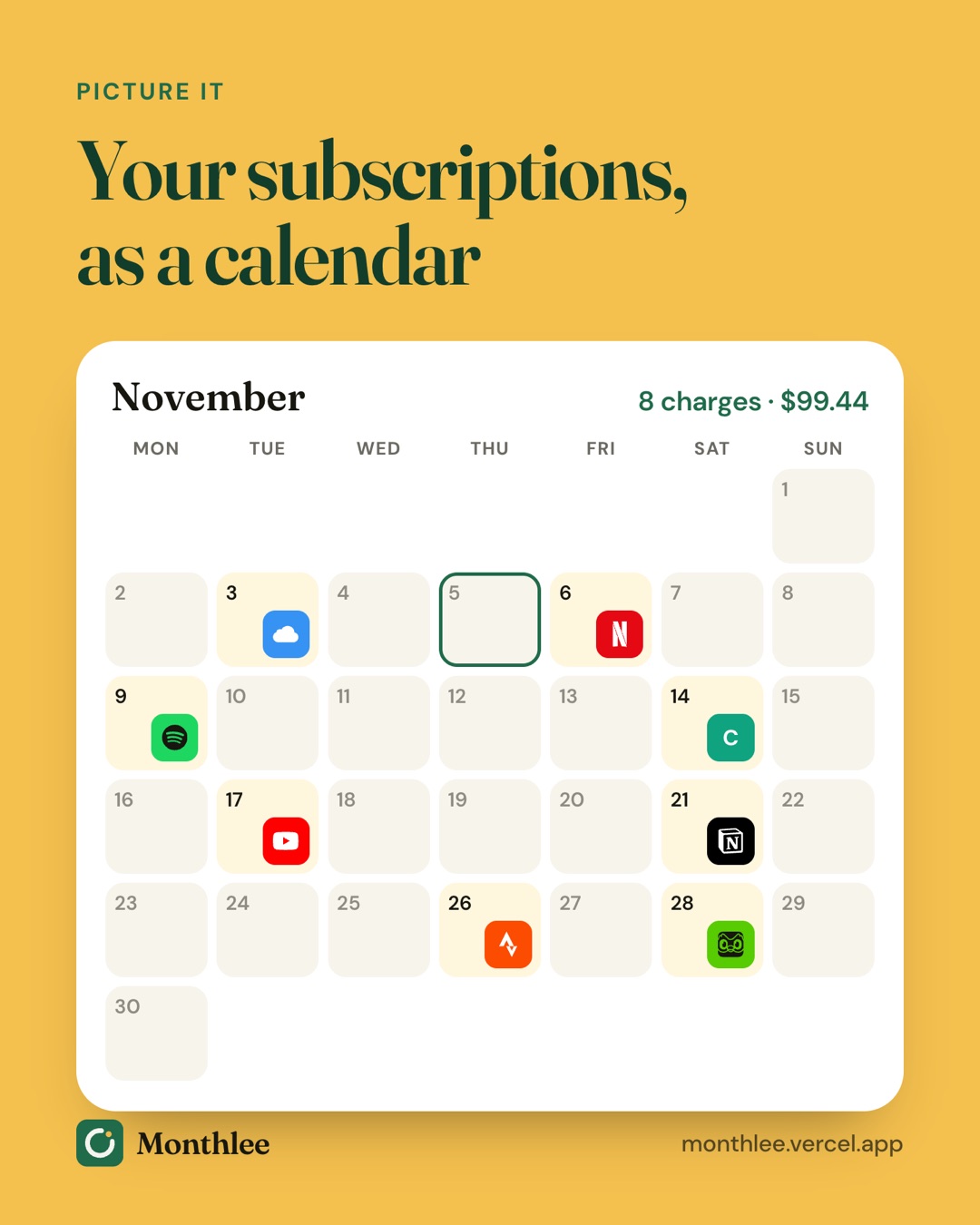
A bill calendar is just your due dates laid out across the month. It shows you at a glance where the heavy weeks are.
A worked example#
Here's a sample month of recurring bills, with paydays on the 15th and the last day of the month. The amounts are examples.
| Due date | Bill | Amount | Paid by |
|---|---|---|---|
| 1st | Rent | $1,400 | Autopay |
| 5th | Renters insurance | $15 | Autopay |
| 10th | Phone | $45 | Autopay |
| 18th | Electricity (average) | $88 | Manual |
| 22nd | Internet | $60 | Autopay |
| 25th | Student loan | $210 | Autopay |
| — | Car insurance ($720 every 6 months) | $120 set aside | Transfer to savings |
The monthly cost of the car insurance is $720 ÷ 6 = $120. Setting that aside each month means the six-monthly bill doesn't land as a shock.
Split the month by paycheck#
Now group the bills by which paycheck has to cover them:
- Paycheck on the last day of the month covers bills due the 1st to the 14th: $1,400 + $15 + $45 = $1,460
- Paycheck on the 15th covers bills due the 15th to the end of the month, plus the insurance set-aside: $88 + $60 + $210 + $120 = $478
Total: $1,460 + $478 = $1,938 a month in recurring bills.
This split is the most useful thing a bill calendar shows you. In this example, one paycheck carries three times as much as the other. If both paychecks are the same size, you'll want to move some money from the mid-month paycheck forward to help with rent, or ask to move a due date.
You can keep a bill calendar in your phone's calendar app, a spreadsheet or on paper. If you prefer a spreadsheet, the subscription tracker spreadsheet template works for bills too: add a row for each bill and sort by due date.
Step 5: Align due dates with your paydays#
If your calendar shows one paycheck doing most of the work, change the calendar.
Many providers let you choose or change your due date. Credit card issuers, phone companies, utilities and some lenders often allow it through your online account or a quick call. Rent and mortgage dates are usually fixed, so move the others around them.
A simple approach:
- Put your biggest fixed bill (usually rent) right after the paycheck that can cover it.
- Move smaller bills to just after your other payday.
- Try to leave a few days between payday and each due date, in case a deposit is delayed.
After a change, the first bill on the new schedule may be pro-rated or slightly different. Check it so the change doesn't catch you out.
Step 6: Set reminders a few days before each bill#
Reminders are what actually stop late payments. A calendar on its own only works if you look at it.
For each bill, set a reminder 2 to 3 days before the due date. That gives you time to:
- Check the amount (especially for variable bills)
- Make sure the money is in the right account
- Make a manual payment so it arrives on time
- Contact the provider if something looks wrong
For large bills like rent, add a second reminder a week ahead. For yearly or six-monthly bills, a reminder 7 days before gives you time to shop around or move money from savings.
You can set these as repeating events in your phone's calendar. Or use an app built for recurring charges: Monthlee tracks bills alongside subscriptions and free trials, and reminds you on the day or 1, 2, 3 or 7 days before each one, at the time of day you choose. You add each bill yourself, so it never needs your bank login, and reminders are scheduled on your phone, so they arrive even without signal. For more on setting this up, see how to get reminded before every subscription renews.
What to do if you're about to miss a bill#
It happens: a paycheck is late, an unexpected expense hits, or a variable bill comes in higher than planned. What you do before the due date matters most.
Contact the provider early#
Call or message the provider before the bill is due. Explain what's happening and when you expect to be able to pay. Many providers have options for customers who reach out, such as:
- A short extension on the due date
- A payment plan that splits the amount over a few months
- Hardship or assistance programs, particularly for utilities
Nothing is guaranteed, and options vary by provider. But you're in a much better position asking before the payment is late than explaining afterward.
Prioritize essentials#
If you can't cover everything, pay housing, utilities and anything tied to keeping your job (like transport) first. Then contact the providers you can't pay in full.
Pause the optional spending#
This is where your subscriptions come in. Cancelling or pausing a few for a month or two frees up money quickly. A subscription budget makes it easier to know which ones to drop first.
If something goes wrong#
If you believe you were charged incorrectly, or a payment was taken twice, contact the provider first. If that doesn't resolve it, contact your bank or card issuer.
Keep the system up to date#
A bill tracker only works if it reflects reality. Once a month, take five minutes to:
- Check that every bill was paid on time
- Update any amounts that changed (insurance renewals, price increases, new plans)
- Add new bills and remove ones that ended
- Recalculate averages for variable bills every few months
When your insurance renews, your phone plan changes or you move, update the list the same day.
The bottom line#
To track recurring bills, list every bill with its amount, due date and payment method, budget variable ones at their average or highest month, and lay them out on a calendar matched to your paydays.
Use autopay for fixed bills you can reliably cover, set a reminder two or three days before every due date, and move due dates if one paycheck is carrying too much. If you're ever about to miss a payment, contact the provider before the due date, not after.
Frequently asked questions
What is the easiest way to keep track of recurring bills?
Write every bill in one list with its amount, due date and payment method, then set a reminder a few days before each due date. A spreadsheet, a calendar or a bill and subscription tracking app all work, as long as you keep it in one place.
Should I put all my bills on autopay?
Autopay works well for fixed bills you're sure you can cover, like rent, loans or insurance. For bills that vary, or if your balance is sometimes tight, a reminder a few days before the due date gives you a chance to check the amount and make sure the money is there.
Can I change the due date on a bill?
Often, yes. Many utilities, card issuers, phone companies and lenders let you request a different due date through your account or by calling them. It's worth asking so your bills line up with your paydays.
What should I do if I can't pay a bill on time?
Contact the provider before the due date. Many will talk through options such as a short extension or a payment plan, and you're in a stronger position before the bill is late than after.
Know every charge before it lands.
Monthlee keeps your subscriptions, bills and free trials in one calm list and reminds you before each charge. No bank login. Free for up to 5 subscriptions.
Download on theApp Store- Reminders 1, 2, 3 or 7 days before
- Free-trial warnings
- Monthly and yearly totals
- Cancel guides with direct links
Keep reading
 Guides
How to Track All Your Subscriptions in One Place
How to track subscriptions in one list: find every charge, pick a method, record the right details, set reminders and review it all in 10 minutes a month.
 Guides
How to Share Subscriptions With Apple Family Sharing
How family sharing subscriptions work on iPhone: set up a family group, share eligible subscriptions, who pays, Ask to Buy for kids, and how to stop sharing.
 Guides
Merging Subscriptions as a Couple Without the Awkwardness
A practical guide to couples subscriptions: list both sets, cancel duplicates, decide what's shared or personal, split costs fairly and plan for a breakup.