Subscription Card Expired? What Happens to Your Plans
Subscription card expired or replaced? See why some charges continue, what happens when a payment fails, and how to update Apple, Google Play and PayPal.
Key takeaways
- A new or expired card doesn't reliably stop subscriptions, because some issuers and card networks can pass updated card details to merchants.
- When a payment does fail, many services retry for a while before pausing or ending your plan, so you may get a grace period.
- Update your card in each place you're billed: Apple ID, Google Play, PayPal and each service's own account page.
- A card change is a natural moment to list every subscription and cancel the ones you no longer use.
When your card expires, is replaced or is cancelled, your subscriptions don't always stop. Some card issuers and payment networks can pass your updated card details to merchants you already pay, so charges carry on to the new card without you doing anything. Other times the payment fails, the service retries for a while, and eventually pauses or ends your plan.
Either way, don't treat a new card as a way to cancel things. If you want to keep a subscription, update your card wherever you're billed. If you want to stop one, cancel it directly with the service or app store.
Below is what usually happens in each situation, how to update your payment method in the most common places, and why a card change is the perfect excuse for a quick subscription clean-up.
Expired, replaced or cancelled: why the difference matters#
People use these words interchangeably, but they lead to different outcomes.
| Situation | What changes | What often happens to subscriptions |
|---|---|---|
| Card expires, new one arrives | Usually the expiry date and security code; sometimes the number stays the same | Charges may continue to the new card, or fail until you update it |
| Card replaced (lost, damaged, upgraded) | Often a new card number | Charges may follow the new card through an updater service, or fail |
| Card replaced after fraud | New card number, old number blocked | Some issuers may still pass the new details on; others don't |
| Account or card closed entirely | No replacement card | Charges usually fail; the merchant asks for a new payment method |
| You switch to a different bank | Completely new card and account | Charges fail on the old card; nothing moves across automatically |
The important takeaway: in the first three cases, you can't be sure whether a given merchant will keep charging you. It varies by issuer, network and merchant. So the safe approach is to assume nothing and check each subscription yourself.
Why charges can continue on a new card#
Card networks offer services that let merchants request updated card details when a card on file changes. If your issuer takes part and the merchant uses it, the merchant may receive your new number or expiry date and keep billing you as if nothing changed.
This is designed to help. It means your phone plan, cloud storage or streaming service doesn't suddenly cut off because a card expired. But it also explains a common surprise: someone gets a new card, assumes an old gym membership or app subscription will die with the old one, and then sees it charged to the new card next month.
A few things to keep in mind:
- You may not be told. Updates can happen in the background without a notice from the merchant.
- It isn't universal. Not every issuer, card or merchant takes part, so some charges move across and others fail.
- It isn't a cancellation tool. If you don't want a subscription, cancel it with the service. A blocked or replaced card is not a reliable way to stop it.
If you've already had a card replaced and something you don't recognize appears, see what to do about an unknown subscription charge.
What happens when a subscription payment fails#
When a charge can't go through, most services don't cancel you on the spot. The general pattern looks like this, though every service handles it differently:
- The charge is declined. The service gets a failed payment from your card.
- You get a notice. Usually an email or in-app message asking you to update your payment method.
- It retries. Many services try again over several days or weeks.
- A grace period may apply. Some keep your access for a short time while they retry. Others pause features right away.
- The plan is paused or cancelled. If the payment keeps failing, the subscription ends or drops to a free tier.
App stores have their own version of this. Apple and Google Play may give some subscriptions a billing grace period or a short "on hold" state while they retry, and they'll prompt you to fix the payment method. Whether that applies depends on the app.
Does a failed payment mean I'm cancelled?#
Not necessarily, and that's worth knowing for two reasons.
First, if you update your card later, some services will charge the missed amount and carry on, sometimes backdating the renewal. Second, a failed payment doesn't always close your account. If you want out, cancel properly so you don't get a surprise when the service finally succeeds in charging a new card.
Update your card on Apple ID (iPhone and iPad)#
All subscriptions billed by Apple use the payment method on your Apple ID. Update it once and every Apple subscription moves to the new card.
- Open Settings.
- Tap your name at the top.
- Tap Payment & Shipping (the label may differ slightly by iOS version).
- Add your new card, or tap the old one to update or remove it.
- If you have more than one payment method, put the one you want first in the list.
You can also manage payment methods in the App Store or on a Mac. Menus change, so check Apple's support pages if your screens look different.
While you're there, open Settings → [your name] → Subscriptions to see everything that will be charged to that card. If anything there surprises you, how to cancel subscriptions on iPhone walks through it.
Update your card on Google Play#
Google Play subscriptions use the payment method on your Google account, and each subscription can have its own backup payment method.
- Open the Play Store app.
- Tap your profile picture.
- Tap Payments & subscriptions, then Payment methods to add your new card.
- Go back to Subscriptions, pick each subscription and check which payment method it uses.
On a computer, you can manage this at https://play.google.com/store/account/subscriptions. If you have several Google accounts on one phone, switch accounts and check each one. If you find something you no longer want, cancel it from the same Subscriptions screen.
Update your card on PayPal#
If you pay subscriptions through PayPal, the merchant usually charges PayPal, and PayPal charges your card or bank account. So you may only need to update one place.
- Sign in to PayPal and open your Wallet to add the new card and remove the expired one.
- Check Settings → Payments → Manage automatic payments to see which merchants bill you through PayPal.
- For each automatic payment, check which funding source it uses and change it if needed.
Menus change, so search PayPal's help center for "automatic payments" if the path looks different. And if you want to stop a PayPal payment rather than update it, read how to stop recurring payments on PayPal, because stopping it in PayPal doesn't always cancel the subscription with the service itself.
Update your card on each service's own account#
Everything you signed up for on a website, such as Netflix, Spotify, a gym, a news site or software, keeps its own card on file. You'll need to update each one separately, unless the card details moved across automatically.
The general steps are similar everywhere:
- Sign in to the service's website (some services don't let you change billing in their app).
- Open your Account, Billing, Membership or Payment page.
- Choose to update or change your payment method.
- Enter the new card and save.
- Check the next billing date and amount shown on the page.
Menus change, so check the service's help page if yours looks different.
Don't forget the less obvious ones#
Card changes tend to break the subscriptions you think about least. Check:
- Phone and internet bills on autopay
- Utilities and insurance
- Cloud storage and password managers
- Domain names and website hosting (often yearly)
- Gym and club memberships
- Ride-share, food delivery and shopping memberships
- Kids' game or console accounts
- Charity donations and memberships
If you also pay recurring bills by card, keeping a list of recurring bills helps you avoid late payments when a card changes.
Use a card change as a chance to audit#
A new card forces you to look at every place your old card was saved. That makes it the best time all year to ask whether each subscription is still worth it.
Here's a simple way to do it:
- List everything your old card paid for. Use 12 months of statements, your Apple and Google Play lists, PayPal and your email.
- Mark each one keep, downgrade or cancel.
- Cancel first, then update the card on what's left. There's no point entering new card details into a service you're about to leave.
- Write down the next charge date for everything you keep.
A worked example#
Say your card expires and you find seven subscriptions on it. You decide to cancel three you rarely use:
- A $9.99/month streaming add-on: $9.99 × 12 = $119.88 a year
- A $4.99/month app: $4.99 × 12 = $59.88 a year
- A $29.99/year storage plan you replaced months ago: $29.99 a year
That's $119.88 + $59.88 + $29.99 = $209.75 a year you stop paying, simply because the card change made you look. For a more structured version of this, use the 30-minute subscription audit.
Keep a list so the next card change is easy#
The hardest part of a card change is remembering where the card is saved. A single list fixes that. For each subscription, note its name, price, billing cycle, next charge date and payment method (which card, Apple, Google Play or PayPal).
Next time a card expires, you filter by that card and work through the list in a few minutes instead of waiting to see what breaks.
A spreadsheet does the job if you keep it current; see the subscription tracker spreadsheet for a template. If you'd rather not maintain one by hand, Monthlee keeps subscriptions, bills and free trials in one list without ever connecting to your bank. You add each one yourself, set reminders before each charge, and after a renewal it asks whether the charge matched, which is a handy prompt to notice if something failed or moved to a new card.
The bottom line#
An expired or replaced card doesn't reliably stop your subscriptions. Some charges follow you to the new card automatically, and others fail, retry and eventually pause or cancel.
If you want to keep a subscription, update your card in Apple ID, Google Play, PayPal and each service's own account. If you want to stop one, cancel it with the service directly. And use the card change as a reason to list everything you pay for and cut what you no longer use.
Frequently asked questions
Will my subscriptions stop if my card expires?
Not necessarily. Some card issuers and networks share updated card details with merchants, so charges can move to your new card automatically. Others will fail, and the service will usually ask you to update your payment method. Don't rely on an expired card to cancel anything.
Can a company still charge my card after I get a new one?
Yes, it can happen. When a card is replaced, some issuers and networks may pass the new number or expiry date to merchants you already pay, so recurring charges continue. If you want a subscription to stop, cancel it with the service or app store directly.
What happens if a subscription payment fails?
It depends on the service. Many retry the payment over several days and email you to update your card, and some keep your access during a short grace period. If the payment keeps failing, the subscription is usually paused or cancelled, and you may need to resubscribe.
How do I update my card for subscriptions on iPhone?
Open Settings, tap your name, then Payment & Shipping (or similar wording), and add or edit your card. Apple subscriptions use the payment method on your Apple ID. Menus change, so check Apple's support pages if your screen looks different.
Know every charge before it lands.
Monthlee keeps your subscriptions, bills and free trials in one calm list and reminds you before each charge. No bank login. Free for up to 5 subscriptions.
Download on theApp Store- Reminders 1, 2, 3 or 7 days before
- Free-trial warnings
- Monthly and yearly totals
- Cancel guides with direct links
Keep reading
 Guides
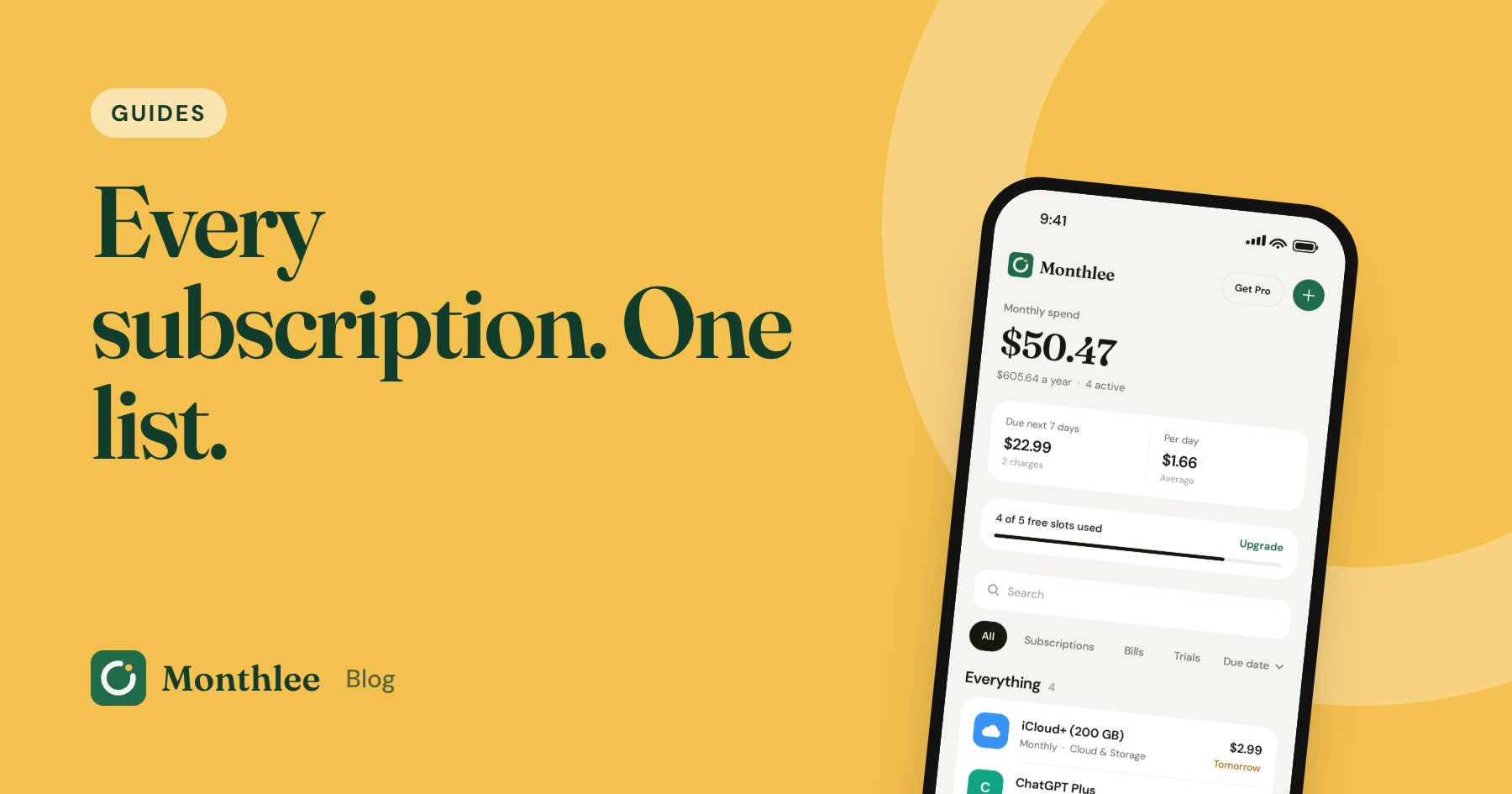
How to Track All Your Subscriptions in One Place
How to track subscriptions in one list: find every charge, pick a method, record the right details, set reminders and review it all in 10 minutes a month.
 Guides
How to Share Subscriptions With Apple Family Sharing
How family sharing subscriptions work on iPhone: set up a family group, share eligible subscriptions, who pays, Ask to Buy for kids, and how to stop sharing.
 Guides
Merging Subscriptions as a Couple Without the Awkwardness
A practical guide to couples subscriptions: list both sets, cancel duplicates, decide what's shared or personal, split costs fairly and plan for a breakup.