Free Trial Reminder: How to Set One That Works
Set a free trial reminder that actually stops the charge: find the exact end date, pick the right lead time, use two alerts, and test cancel-right-away first.
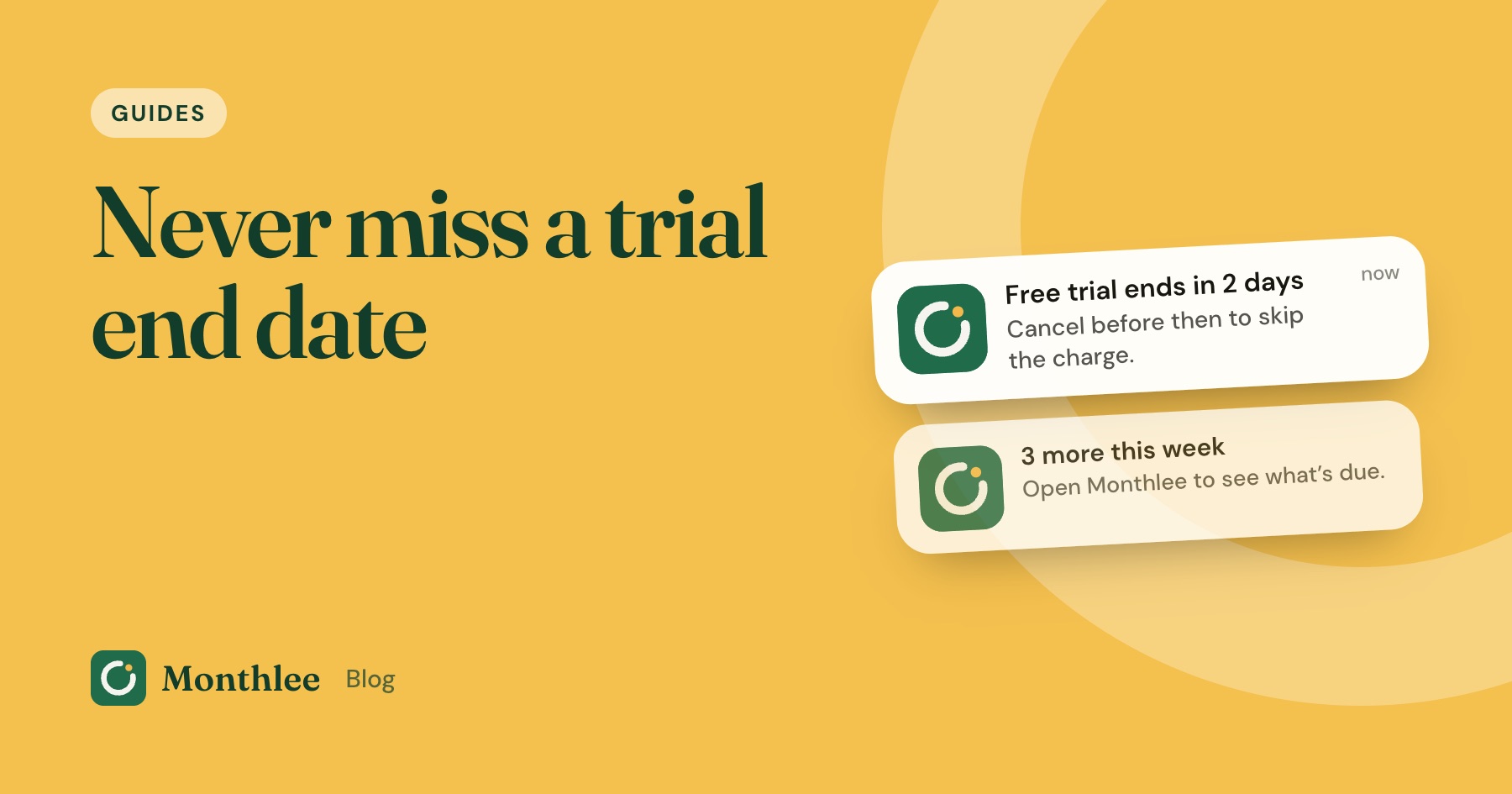
Key takeaways
- Work out the trial's exact end date and time from the store or account page, not from memory or a rough count of days.
- Match the lead time to the trial: a day or two ahead for short trials, three days for a month, a week for long trials and anything that converts to a yearly plan.
- Use two reminders: a mid-trial decision check and a final action reminder that includes the price and where to cancel.
- Write every reminder as an action, with the cancel path in the notes, so it takes two minutes instead of a search.
- Where cancelling keeps your access until the trial ends, cancel on day one and keep a single reminder in case you want to resubscribe.
A free trial reminder works when it goes off at a time you can act, with enough margin before the trial ends, and with everything you need to cancel written into it. Find the exact end date first, set the reminder two days before for a typical seven-day trial (longer for longer trials), and write it as an action: "Cancel music trial in Settings → Subscriptions before it charges $10.99."
Better still, use two reminders: one in the middle of the trial to decide whether you want it, and one near the end to act. And if the service lets you keep access after cancelling, cancel on day one so the reminder becomes a backup rather than your only defence.
This guide focuses on the reminder itself: how to get the date right, how far ahead to set it, how to set it up on your phone, and how to make sure it actually reaches you. For the wider picture, including trials that need a card and what to do after a surprise charge, see how to avoid getting charged after a free trial.
Why most free trial reminders fail#
Most people do set some kind of reminder. It's the details that go wrong:
- The date is a guess. "About two weeks" turns into a charge on day 13.
- It's set for the last day. By then, the renewal may already be processing.
- It goes off at a bad time, like during a commute or a meeting, and gets dismissed.
- It says too little. "Trial" doesn't tell you which service, what it will cost or where to cancel.
- It never arrives. Notifications are off, a Focus mode silences it, or it's buried among other alerts.
Fix those five, and a free trial reminder becomes very reliable.
Step 1: Find the exact end date and time#
Don't count days in your head. Look the date up where the trial is billed.
| Where you started the trial | Where to find the end date |
|---|---|
| iPhone or iPad app (App Store) | Settings → [your name] → Subscriptions → the trial; or apps.apple.com/account/subscriptions |
| Android app (Google Play) | Play Store → profile picture → Payments & subscriptions → Subscriptions |
| A website | Your account's Billing, Plan or Membership page |
| Any of the above | The confirmation email, often titled with "trial", "welcome" or "receipt" |
Menus change, so check the store's or service's help page if yours looks different.
Watch for the time, not just the date#
Trials often end at a specific time rather than midnight. Depending on the service, that can be based on the moment you signed up or on the company's time zone. A trial you started at 9 p.m. might renew at 9 p.m. seven days later, or earlier in your day if the company is in a different time zone.
That's one reason not to set a reminder for the last day. A buffer of a day or more makes the exact hour irrelevant.
Counting days correctly#
If you only have the length of the trial, add it to the start date:
- A 7-day trial started on Monday 2 November ends around Monday 9 November.
- A 14-day trial started on 2 November ends around 16 November.
- A one-month trial started on 31 January may end on 28 February, 1 March or 3 March depending on how the service counts a month.
When it's ambiguous, assume the earlier date.
Step 2: Pick the right lead time#
How far ahead you set the reminder depends on how long the trial is and what it turns into. Too early and you haven't tried the service properly; too late and there's no margin.
| Trial length or type | Decision reminder | Final reminder |
|---|---|---|
| 3 days | Skip; decide on day 1 | Day 2 (at least 24 hours before the end) |
| 7 days | Day 4 | 2 days before the end |
| 14 days | Day 7 | 2 to 3 days before the end |
| 1 month | Day 14 | 3 days before the end |
| 2 to 3 months | Halfway | 7 days before the end |
| Any trial that converts to a yearly plan | Halfway | 7 days before the end |
For trials billed through the App Store, Apple asks you to cancel at least 24 hours before the trial ends to avoid the charge. Every final reminder in the table above is set earlier than that, which is the point.
Yearly conversions get the longest lead time because the charge is much bigger. Forgetting a $9.99 monthly plan costs $9.99; forgetting a $69.99 yearly plan costs $69.99 at once.
Step 3: Use two reminders, not one#
A single reminder asks you to decide and act at the same moment, often when you're busy. Splitting it in two works better.
- The decision reminder, mid-trial. "Have I used [service] this week? Is it worth $X a month?" This is the honest check, made while you still have time.
- The action reminder, near the end. "Cancel [service] before [date]," with the cancel path in the notes. If you've already decided to keep it, you just dismiss it.
If you decide at the first reminder that you don't want the service, cancel then. You don't have to wait for the second one.
Step 4: Write the reminder so it's a two-minute task#
A good reminder contains everything you need to act without searching. Use a template like this:
Cancel [service] trial before it charges [price/cycle] Ends: [date and time] Billed through: [App Store / Google Play / website / PayPal] Cancel at: [menu path or link] Signed up with: [email address]
For example:
Cancel photo editor trial before it charges $49.99/year Ends: 16 November, around 8 p.m. Billed through: App Store Cancel at: Settings → [your name] → Subscriptions Signed up with: personal email
The "billed through" line matters most. A trial started in an iPhone app has to be cancelled through Apple, even if the service also has a website. Deleting the app doesn't cancel it. How to cancel subscriptions on iPhone and cancelling on Android and Google Play have the full steps.
Step 5: Set the reminder on your phone#
Any tool that can alert you at a set date and time works. Here are the common options.
Calendar app#
- Open your calendar app and create a new event on the reminder date.
- Use the action-style title from the template above.
- Set the time to when you're usually free, such as early evening.
- Add an alert, either at the event time or a little before.
- Paste the cancel path or link into the notes.
Calendar events are good when you want trials to sit alongside the rest of your week. The downside is that they can get lost among meetings and birthdays.
Reminders or to-do app#
- Create a new reminder with the action title.
- Set a date and time for the alert.
- Add the cancel details in the notes.
To-do apps are quick to use at the moment you sign up, but reminders are easy to snooze and forget. If you snooze, snooze to a specific time, not "later".
A subscription tracker#
If you often have several trials running alongside regular subscriptions, a tracker keeps them in one place with their dates and prices. Monthlee is an iPhone app where you add a trial with its end date and it warns you before the trial turns into a paid plan, then asks whether you kept it. Reminders are scheduled on the phone, so they arrive without signal, and you choose the time of day. It doesn't need your bank login. How to get reminded before every subscription renews compares these options for ongoing subscriptions too.
Make sure the reminder actually reaches you#
A reminder you never see is no reminder at all. Check these once:
- Notifications are allowed for the app you're using, in your phone's settings.
- Focus or Do Not Disturb modes don't silence it at the time you've chosen. Pick a time outside your usual quiet hours.
- The alert time suits you. Early evening often works better than first thing in the morning, when it's easy to swipe away.
- It's on the right device. If you use more than one calendar account, make sure the event is in the one your phone shows.
- You've set an alert, not just a calendar entry. An event without an alert depends on you opening the calendar.
The cancel-right-away trick (and how to test it)#
The most reliable reminder is one you don't need. Many services, including most App Store subscriptions, let you keep using a cancelled trial until its end date. Cancel on day one, use the full trial, and nothing will be charged.
To check whether a service works this way:
- Cancel right after signing up.
- Read the confirmation screen or email. Look for wording like "You can use it until [date]" or "Your access ends on [date]".
- If access continues, you're done. Keep one reminder near the end in case you want to resubscribe.
- If access ends immediately, resubscribe if you still want to try it, and rely on your two reminders instead.
Apple notes that cancelling during a free trial can mean losing access straight away for some apps, so always read the confirmation.
A worked example: three trials in one month#
Say you start these trials on 2 November:
| Trial | Length | Ends | Converts to | Decision reminder | Final reminder |
|---|---|---|---|---|---|
| Music | 1 month | 2 December | $10.99/month | 15 November | 29 November |
| Photo editor | 14 days | 16 November | $49.99/year | 9 November | 9 November (a week ahead, yearly) |
| Video streaming | 7 days | 9 November | $17.99/month | 5 November | 7 November |
The photo editor's two reminders land on the same day because a yearly conversion on a 14-day trial needs a week's notice. That's fine; make it one reminder that asks you to decide and act.
If all three reminders fail and you forget every trial, the first round of charges is $10.99 + $49.99 + $17.99 = $78.97. If the two monthly ones then run for a year before you notice, that's ($10.99 + $17.99) × 12 = $28.98 × 12 = $347.76, plus the $49.99 yearly charge, for $397.75. Five reminders, set in about ten minutes, prevent all of it.
If a reminder slips through#
Even good systems miss one occasionally. If a trial has already charged you:
- Cancel straight away so it doesn't renew again.
- Ask for a refund through the right channel. For App Store purchases, go to reportaproblem.apple.com and choose "I'd like to" → Request a refund. Apple decides each request, so refunds aren't guaranteed. How to get a refund for an App Store subscription covers this.
- For other services, contact support quickly, explain you meant to cancel, and ask politely.
- Look at why the reminder failed: wrong date, too late, silenced or too vague. Fix that for next time.
The bottom line#
A free trial reminder works when the date is exact, the lead time matches the trial, and the reminder tells you exactly what to do. Look up the end date in the store or your account, set a decision reminder mid-trial and an action reminder a couple of days before the end (a week for long trials and yearly plans), and write the cancel path into it.
Check that notifications get through, and where a service lets you keep access after cancelling, cancel on day one so the reminder is only a backup.
Frequently asked questions
How many days before a free trial ends should I set a reminder?
For a seven-day trial, two days before the end works well. For a month-long trial, three days. For trials of two months or longer, or any trial that turns into a yearly plan, set it a week ahead. For App Store trials, make sure the reminder is more than 24 hours before the end, since Apple asks you to cancel at least a day early.
How do I find out exactly when my free trial ends?
For App Store trials, open Settings, tap your name, then Subscriptions; the trial's end or renewal date is shown there. For Google Play, check Payments & subscriptions in the Play Store. For other services, look at the billing or plan page in your account, or the confirmation email.
Can I set a reminder to cancel a free trial on iPhone?
Yes. Add an event in the Calendar app or a reminder in the Reminders app for a day or two before the trial ends, with an alert at a time you'll be free to act. You can also use a subscription tracker app that warns you before trials end.
Is it better to cancel a free trial immediately?
If the service lets you keep using the trial after cancelling, yes, because there's nothing left to remember. Some services end access as soon as you cancel, so check the confirmation message, and if access ends straight away, rely on a reminder instead.
Know every charge before it lands.
Monthlee keeps your subscriptions, bills and free trials in one calm list and reminds you before each charge. No bank login. Free for up to 5 subscriptions.
Download on theApp Store- Reminders 1, 2, 3 or 7 days before
- Free-trial warnings
- Monthly and yearly totals
- Cancel guides with direct links
Keep reading
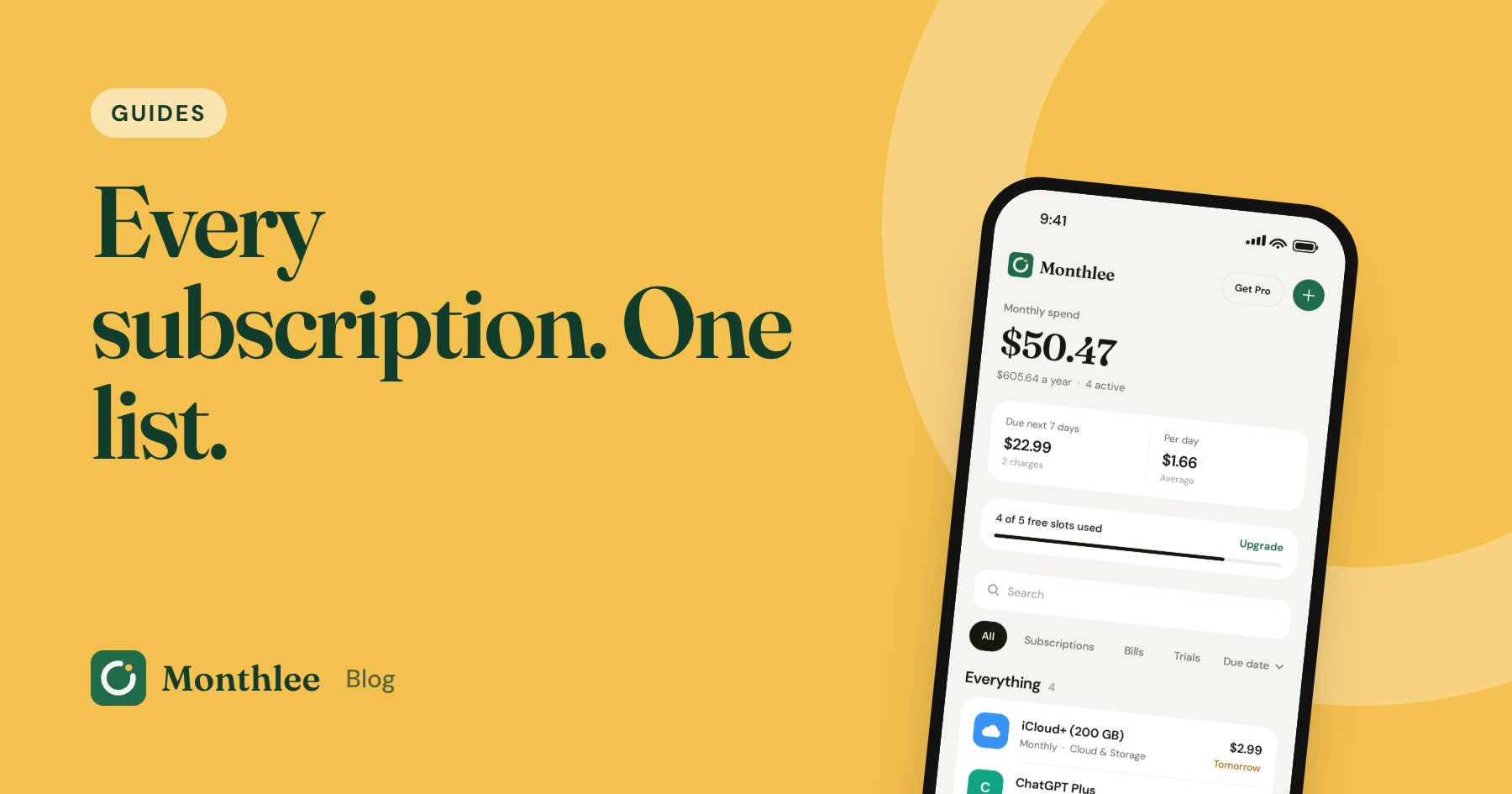 Guides
How to Track All Your Subscriptions in One Place
How to track subscriptions in one list: find every charge, pick a method, record the right details, set reminders and review it all in 10 minutes a month.
 Guides
How to Share Subscriptions With Apple Family Sharing
How family sharing subscriptions work on iPhone: set up a family group, share eligible subscriptions, who pays, Ask to Buy for kids, and how to stop sharing.
 Guides
Merging Subscriptions as a Couple Without the Awkwardness
A practical guide to couples subscriptions: list both sets, cancel duplicates, decide what's shared or personal, split costs fairly and plan for a breakup.