How to Cancel Adobe Subscription (and Avoid the Fee)
How to cancel your Adobe subscription on the web or through Apple and Google Play, plus how the early cancellation fee on annual plans paid monthly works.
Key takeaways
- Plans bought from Adobe are cancelled in your Adobe account: sign in, choose Manage plan on the plan, then Cancel your plan and confirm.
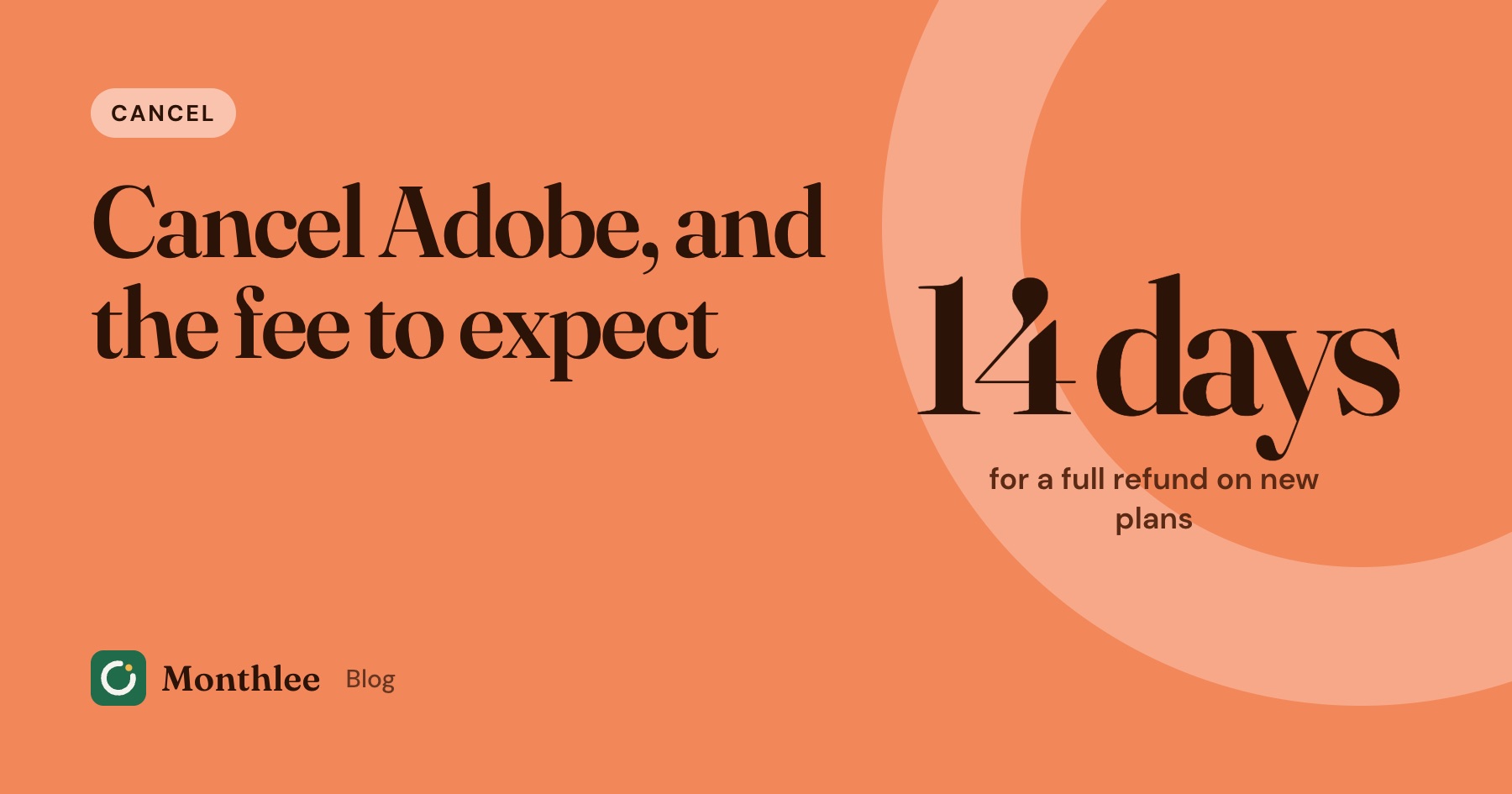
- Check your plan type first. An annual plan paid monthly can carry an early cancellation fee if you cancel more than 14 days after your initial order.
- Adobe's terms set that fee at 50% of your remaining contract obligation for most US customers, and 30% of the annual commitment for customers in California.
- Plans bought through Apple, Google Play or another seller have to be cancelled with that seller, not on Adobe's site.
- If you have more than one Adobe plan, each one is cancelled separately.
To cancel an Adobe subscription you bought from Adobe, sign in to your Adobe account in a web browser, find the plan you want to end and choose Manage plan. Select Cancel your plan, review the plan details, pick a reason and confirm. Adobe sends a confirmation email, and you can also check your account page to make sure it worked.
Before you click, check one thing: what kind of plan you're on. Adobe's most common plan is an annual plan paid monthly, and cancelling that one more than 14 days after your initial order can trigger an early cancellation fee. Month-to-month and prepaid annual plans work differently.
If you bought your plan through Apple, Google Play or another seller, the cancel button lives with them instead. The sections below cover each case, plus how to keep the fee as small as possible.
The fastest way to cancel an Adobe subscription: your Adobe account#
This route works for anyone who bought a plan directly from Adobe, including Creative Cloud, Photoshop, Lightroom, Acrobat and Adobe Express plans.
- Open a web browser and sign in to your Adobe account (account.adobe.com) with the email address that owns the plan.
- Go to your plans section and find the plan you want to end.
- Choose Manage plan for that plan.
- Select Cancel your plan.
- Review the plan details. This is where Adobe shows any fee or refund that applies to you.
- Pick a reason for cancelling and confirm.
Adobe's help page says to look for a confirmation email or check your account page afterwards. Keep that email until your plan's end date has passed. It's your proof if a charge shows up later.
Menus change from time to time, so if your screens look different, Adobe's help article on cancelling a trial or subscription has the current steps.
If you have more than one Adobe plan#
Adobe says each plan must be cancelled separately. It's common to have a Creative Cloud plan plus an extra storage plan, an Acrobat plan bought years ago, or a stock add-on. Go through every plan listed in your account and cancel each one you don't want.
If the cancel option doesn't work#
Adobe's help page notes that you can't cancel while a payment is being processed or has a problem. If that happens, wait 24 hours and try again. If there's still no cancel option, you most likely bought the plan somewhere other than Adobe, or a company or school manages it for you.
Know your plan type before you cancel#
Adobe sells the same apps on different contract terms, and the term decides what happens when you cancel. Here's how Adobe's subscription terms (effective August 1, 2026) describe each one for Creative Cloud plans for individuals:
| Plan type | Cancel within 14 days of your initial order | Cancel after 14 days |
|---|---|---|
| Month-to-month | Full refund | No fee, but your payment isn't refunded; service continues to the end of that month's billing period |
| Annual, billed monthly | Full refund | Lump-sum charge of 50% of your remaining contract obligation (30% of your annual commitment in California); service continues to the end of that month's billing period |
| Annual, prepaid | Full refund | No fee, but your payment isn't refunded; service continues until the end of your contracted term |
Your plan type is shown on the plan's details page in your account, and usually in your original order confirmation email. If the plan says something like "annual, paid monthly" or "annual, billed monthly", you're on the contract that can carry the fee.
The early cancellation fee, in Adobe's words#
For annual plans billed monthly, Adobe's terms say: "Should you cancel after 14 days, you'll be charged a lump sum amount of 50% of your remaining contract obligation." For customers in California, the terms say you'll be charged "a lump sum amount of 30% of your annual commitment" instead.
The same 50% wording appears in Adobe's terms for several other annual, billed-monthly plans, including student and teacher plans, Creative Cloud for teams and Substance plans. The terms also list different rules for some other countries, including Brazil and Argentina. Terms differ by region and can change, so read the version for your country before you cancel. The cancellation screen itself should also show you the amount.
A worked example: what the fee could cost you#
Numbers make this much clearer. These are example prices, not Adobe's current prices.
Say you're on an annual plan billed monthly at, for example, $20 a month. Your full annual commitment is $20 × 12 = $240.
You decide to cancel after making four monthly payments, so eight payments are left on the contract.
- Remaining contract obligation: 8 × $20 = $160
- Fee at 50% of what's left: $160 × 0.5 = $80
Now compare that with keeping the plan to the end of the year and cancelling then: you'd pay the remaining $160 and use the apps for those eight months.
| Option | What you pay from here |
|---|---|
| Cancel now (50% of remaining) | $80 one-off |
| Keep paying until the contract ends | $160 over eight months |
| Cancel within 14 days of your initial order | $0, full refund |
For a California customer on the same example plan, the terms describe 30% of the annual commitment: $240 × 0.3 = $72.
Because the standard fee is a percentage of what's left, it gets smaller the closer you are to the end of the contract year. If you're near the end, it may be cheaper to let the remaining months run out. Find your contract end date in your account, and cancel in time so the plan doesn't roll into a new year.
Ways to keep the fee down#
- Cancel inside the 14-day window if you've just signed up and changed your mind. That's the cleanest way out.
- Check your contract end date. If only a month or two is left, the fee is small, and waiting may cost less than cancelling.
- Look at the alternatives on the cancel screen. The cancel flow may suggest a different plan or an offer before you confirm. Only take one if you'd genuinely use it, and check whether it starts a new contract.
- Next time, choose month-to-month if you're not sure you'll use the apps for a full year. It usually costs more per month, but you can stop without a fee. Our guide to monthly vs yearly subscriptions walks through the trade-off.
If you pay for Adobe through Apple, Google Play or another seller#
Adobe's help page says you can only cancel directly from your Adobe account if you bought the plan from Adobe. If you bought it through a third party such as Apple, Google or Microsoft, you follow that provider's cancellation process.
Bought in an iPhone or iPad app: Adobe's mobile apps, like Lightroom, Photoshop Express or Adobe Express, often sell subscriptions through Apple. Those are billed to your Apple Account and cancelled in Settings → [your name] → Subscriptions → pick the Adobe plan → Cancel Subscription. You can also manage them at https://apps.apple.com/account/subscriptions. Our guide on how to cancel subscriptions on iPhone explains that list in detail.
Bought in an Android app: these are billed by Google Play. Open the Play Store, tap your profile picture, then Payments & subscriptions → Subscriptions, choose the Adobe plan and tap Cancel subscription. On the web, use https://play.google.com/store/account/subscriptions. Uninstalling the app doesn't cancel anything. See how to cancel subscriptions on Android and Google Play for more.
Bought from a retailer or reseller: contact the company you bought it from. Prepaid boxes and codes usually just run out at the end of their term, but check whether you set up automatic renewal afterwards.
Through work or school: if a company or school assigns your Adobe licence, an admin manages it. Ask them, and don't cancel a personal plan thinking it will remove a work one.
App store subscriptions follow Apple's and Google's rules, not the fee rules in Adobe's own terms. Refunds for those go through the store. For Apple, you request one at https://reportaproblem.apple.com (sign in, choose "I'd like to", then Request a refund). Apple decides, and refunds aren't guaranteed. Google Play purchases use Google Play's own refund options.
How to tell who bills you#
Check your bank or card statement:
- A charge labelled with Adobe's name usually means you pay Adobe directly.
- A charge labelled with Apple (often APPLE.COM/BILL) or Google means an app store bills you.
- A charge from a reseller's name means you bought through them.
What happens after you cancel Adobe#
Cancelling stops future renewals. What else happens depends on your plan and when you cancel.
- Access usually continues for a while. Adobe's terms say service continues to the end of that month's billing period on monthly-billed plans, or to the end of the contracted term on prepaid annual plans.
- Desktop apps stop working with paid features once your plan ends. Files you saved on your own computer stay on your computer.
- Cloud storage drops to whatever a free account includes. If you store files in Adobe's cloud, download what you need before your plan ends. Adobe sets how long it keeps files beyond your new storage limit, so check its help page if you have a lot stored.
- Your Adobe account stays open. Cancelling a plan isn't the same as deleting your account.
If a cancellation fee applies, it's charged as a lump sum, so expect one more charge on your statement after you cancel.
Before you cancel: a short checklist#
- Note your plan type and contract end date.
- Download any files you keep in Adobe's cloud storage.
- Export anything that only lives inside an app's library, like Lightroom photos you haven't saved locally.
- Check for other Adobe plans on the same account.
- Cancel, then save the confirmation email.
Troubleshooting: when cancelling Adobe doesn't go to plan#
| What you see | What it usually means | What to do |
|---|---|---|
| No cancel option in your Adobe account | Bought through Apple, Google Play, a reseller, or managed by work or school | Cancel with that seller or ask your admin |
| An error when you try to cancel | A payment is processing or failed | Wait 24 hours and try again |
| A fee you didn't expect | Annual plan billed monthly, cancelled after 14 days | Check the plan type and the amount shown on the cancel screen |
| Still charged after cancelling | A second plan, or a fee charged as a lump sum | Check every plan in your account and your statement |
| Two Adobe charges a month | Two plans, or two accounts | Sign in to each email you might have used |
A few more things worth checking:
- Old accounts. If you once signed up with a different email, an old plan can keep billing quietly. Search your inbox for Adobe receipts and note which address they went to.
- Trials. A free trial that you didn't cancel turns into a paid plan, so check which plan type it became. Adobe's terms say you won't be charged if you cancel during the trial period.
If a charge keeps appearing and nobody can explain it, contact Adobe's support first, then your bank or card issuer if it isn't resolved. Adobe's annual contracts are a classic example of a subscription that's harder to leave than to join; our guide to cancelling hard-to-cancel subscriptions has general tips for keeping records.
If you use Adobe for work#
Many freelancers and small teams pay for Adobe alongside a handful of other tools, and it's easy to lose track of which seats and plans are still active. Before cancelling, check whether a client project still needs the apps, and whether a team plan covers you already so you're not paying twice.
Keeping each tool, its contract type and its renewal date in one list makes the next decision much easier. Our guide to tracking software subscriptions as a freelancer or small business shows a simple way to do that.
Keep track of your Adobe renewal date#
With Adobe, timing matters more than with most subscriptions. The 14-day refund window, the remaining months on an annual contract and the date the contract renews all affect what cancelling costs you.
The manual fix is to write down your plan type, order date and contract end date, then put a calendar reminder a week or two before the contract year ends. When it fires, decide whether to renew.
If you'd rather have that handled on your phone, Monthlee is an iPhone app that keeps your subscriptions and bills in one list, with reminders on the day or 1, 2, 3 or 7 days before each charge. You add Adobe in one tap, without linking a bank account, and its cancel guides give you the steps and links when you decide a plan has to go.
The bottom line#
To cancel an Adobe subscription bought from Adobe, sign in to your Adobe account, choose Manage plan on the plan, select Cancel your plan and confirm. If you bought it through Apple, Google Play or a reseller, cancel with them instead.
Check your plan type before you click. On an annual plan billed monthly, Adobe's terms charge 50% of the remaining contract obligation if you cancel after 14 days (30% of the annual commitment in California), so the cheapest moment to leave is within 14 days of signing up or near the end of the contract year. Download your cloud files, cancel every plan you don't need, and keep the confirmation email.
Frequently asked questions
How do I cancel my Adobe subscription?
Sign in to your Adobe account on the web, find the plan you want to end and choose Manage plan, then select Cancel your plan, review the details, pick a reason and confirm. If you bought the plan through Apple, Google Play or another seller, cancel it with that seller instead.
Is there a fee to cancel Adobe?
It depends on your plan. Adobe's subscription terms say that on an annual plan billed monthly, cancelling after 14 days triggers a lump-sum charge of 50% of your remaining contract obligation, or 30% of your annual commitment for customers in California. Month-to-month plans have no cancellation fee, but payments after the first 14 days aren't refunded.
Can I cancel Adobe within 14 days for a full refund?
Adobe's terms say that if you cancel within 14 days of your initial order, you'll be fully refunded on its month-to-month and annual plans for individuals. The 14 days count from your first order, so check your order date in your account or confirmation email.
Why can't I cancel my Adobe plan online?
The most common reasons are that you bought the plan through Apple, Google Play or another reseller, or that a payment is being processed or has failed. Adobe says to wait 24 hours and try again if a payment is the issue, and to use the seller's own cancellation process for third-party purchases.
Do I lose my files if I cancel Adobe Creative Cloud?
Files saved on your own computer stay there, but you lose access to the paid apps and your cloud storage drops to whatever a free account includes. Download anything you need from Adobe's cloud storage before your plan ends, and check Adobe's help page for current storage rules.
Know every charge before it lands.
Monthlee keeps your subscriptions, bills and free trials in one calm list and reminds you before each charge. No bank login. Free for up to 5 subscriptions.
Download on theApp Store- Reminders 1, 2, 3 or 7 days before
- Free-trial warnings
- Monthly and yearly totals
- Cancel guides with direct links
Keep reading
 Cancel
How to Cancel a Gym Membership Without Surprise Fees
How to cancel a gym membership: check your contract and notice period, cancel in writing, keep proof, and why blocking your card doesn't end the contract.
 Cancel
How to Cancel Apple TV+ (Now Called Apple TV)
How to cancel Apple TV+, now called Apple TV, on iPhone, Mac, Apple TV 4K, Android, Windows or the web, plus Apple One, carrier and Peacock bundle cases.
 Cancel
How to Cancel Audible (and Keep Your Audiobooks)
How to cancel Audible on the website, through the App Store or Google Play, what happens to your credits and books, and when pausing makes more sense.